Monitor
Track trends and discover viral content in your niche
Overview
The Monitor feature helps you stay on top of X trends, track competitor accounts, and discover content that resonates with your target audience.

Dashboard
Key Metrics
Your monitoring dashboard shows:
- Trending topics in your niche
- Viral tweets with high engagement
- Account performance metrics
- Engagement patterns over time
Tracking Accounts
Adding Accounts to Monitor
- Click Monitor in the sidebar
- Click Add Account
- Enter the X username
- Click Add to start tracking
What You Can Track
For each monitored account, you'll see:
- Recent tweets and their performance
- Engagement metrics (likes, retweets, replies)
- Posting frequency and timing
- Content themes and patterns
- Audience growth trends
Discovering Trends
Trending Topics
View what's trending:
- Global trends - Popular topics worldwide
- Niche trends - Topics in your industry
- Hashtag performance - Track specific hashtags
Viral Content
Discover high-performing content:
- Filter by engagement metrics
- Sort by recency or popularity
- Save content for inspiration
- Analyze what makes content go viral
Content Inspiration
Using Trends for Ideas
Turn trends into content:
- Browse trending topics
- Click on interesting trends
- See example tweets
- Use AI to generate related content
- Add your unique perspective
Saving Inspiration
When you find content that inspires you:
- Click the bookmark icon
- Add to your inspiration collection
- Access saved content anytime
- Use as reference for your own posts
Competitor Analysis
Tracking Competitors
Learn from successful accounts:
- Monitor their posting schedule
- Analyze their content strategy
- See what topics get engagement
- Identify gaps in their content
Benchmarking
Compare your performance:
- Engagement rate comparison
- Follower growth trends
- Content frequency analysis
- Best performing content types
Alerts and Notifications
Setting Up Alerts
Get notified when:
- A tracked account posts
- A topic starts trending
- Engagement spikes occur
- Competitors launch campaigns
Customizing Alerts
Configure your preferences:
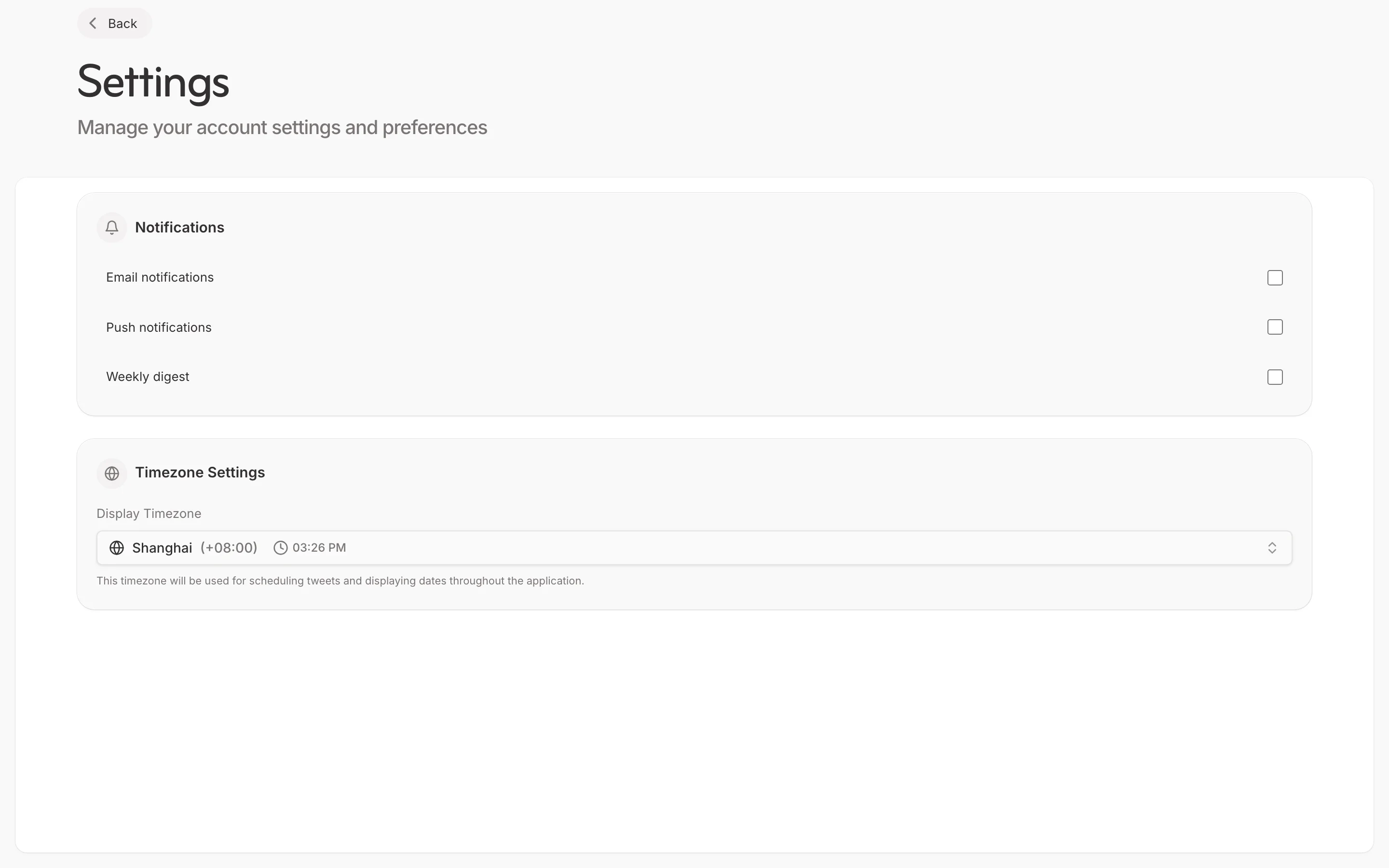
- Go to Settings > Notifications
- Choose alert types
- Set frequency (instant, daily, weekly)
- Select delivery method (email, in-app)
Best Practices
Effective Monitoring
- Track 5-10 relevant accounts
- Check trends daily
- Save inspiring content regularly
- Act on insights quickly
Using Insights
- Identify content patterns that work
- Time your posts with trends
- Adapt successful formats
- Stay authentic to your voice