
AI Rewrite
Transform and refresh your content with AI
Overview
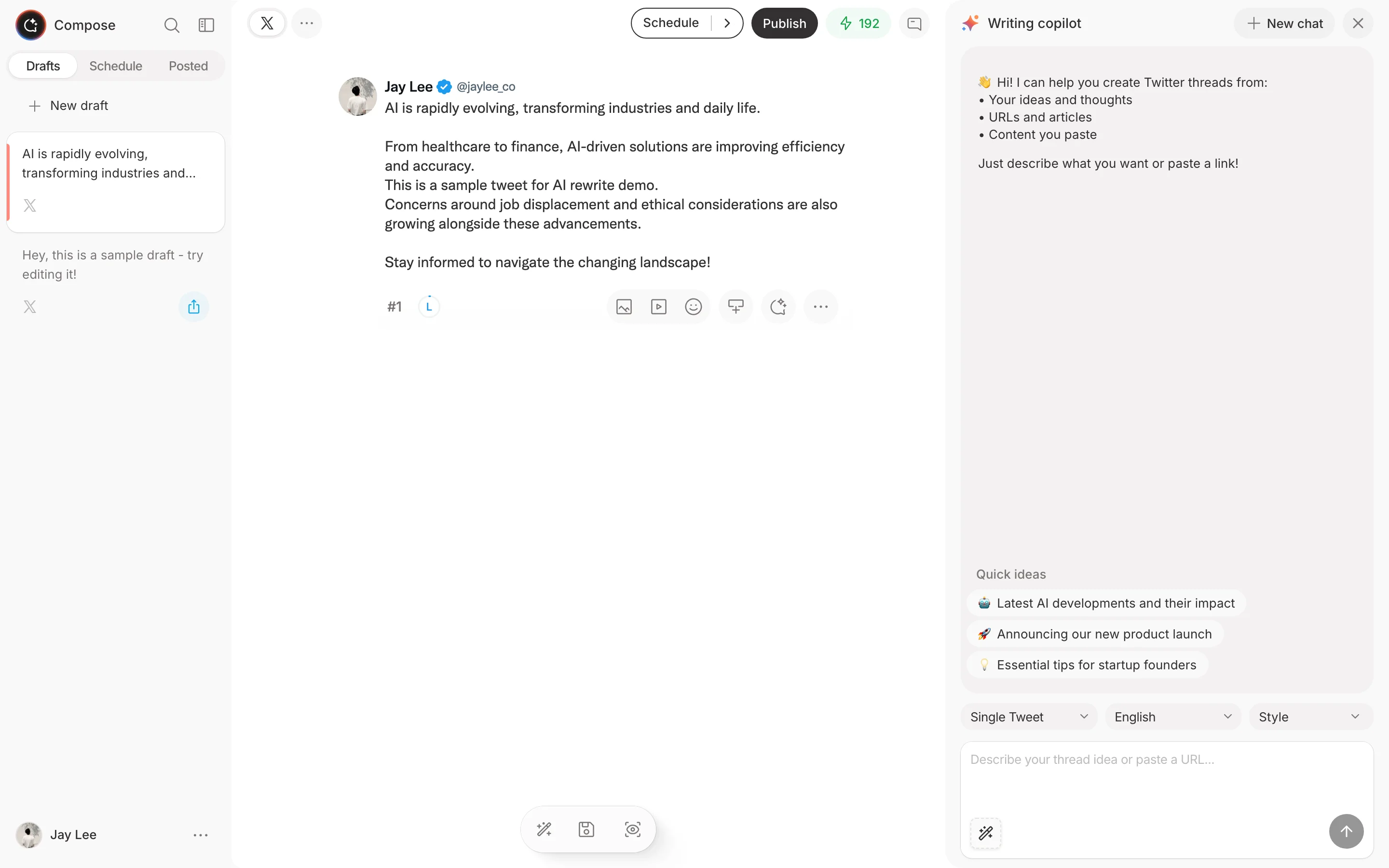
The AI Rewrite feature helps you transform existing content into fresh, engaging posts. This feature is integrated into the Compose editor, allowing you to quickly rewrite and improve your content while drafting.
How It Works
Basic Rewriting
- Open the Compose editor
- Enter or paste the content you want to rewrite
- Click the AI icon and select a rewrite option
- Review and refine the output
- Use the result in your posts
Rewrite Options
Choose how to transform your content:
- Casual - More relaxed, conversational tone
- Professional - Polished, business-appropriate
- Engaging - Optimized for interaction
- Concise - Shorter, punchier version
- Expanded - More detailed, thread-ready
Use Cases
Repurposing Your Content
Give your best tweets new life:
- Rewrite top-performing posts
- Create variations for different times
- Test different angles on the same topic
- Build a content rotation system
Adapting Trending Content
Learn from what works:
- Study viral tweet structures
- Adapt concepts to your niche
- Add your unique perspective
- Maintain originality while learning
Creating Thread Variations
Turn single tweets into threads:
- Start with a successful tweet
- Ask AI to expand into a thread
- Review and customize each tweet
- Add your insights and examples
Advanced Features
Style Matching
Train the AI to match your voice:
- Provide example tweets
- Describe your typical style
- Set consistent preferences
- Refine over time
Iterative Refinement
Refine content step by step:
- Start with your initial content
- Apply a rewrite to improve it
- Review and adjust as needed
- Continue refining until satisfied
Credits Usage
AI Rewrite uses credits based on:
- Length of content
- Complexity of transformation
- Number of variations requested
Check your credits balance in Settings > Credits.
Best Practices
Effective Rewriting
- Start with your best content
- Experiment with different styles
- Always add personal touches
- Don't over-rely on AI
Maintaining Authenticity
- Use AI as a starting point
- Edit outputs to match your voice
- Add personal examples
- Keep your unique perspective
Quality Control
- Review all AI output
- Check for accuracy
- Ensure brand consistency
- Test before publishing