
Master social media post scheduling with this comprehensive guide. Learn how to save 10+ hours weekly, boost engagement by 47%, and leverage AI-powered scheduling tools to transform your content strategy.
Introduction
Here's a reality check: brands that maintain consistent posting schedules see 47% higher engagement rates than those posting manually at random times.[1] Yet, managing multiple social media accounts manually is a recipe for burnout, missed opportunities, and inconsistent messaging.
A social media post scheduler changes the game entirely. Instead of logging into five different platforms throughout the day, you batch your content once and let automation handle the rest. The result? More time for strategy, better engagement, and a sustainable workflow that doesn't require being online 24/7.
The average social media manager saves 10+ hours per week by using a post scheduler. That's over 500 hours annually you could spend on strategy, content creation, or simply taking a break.
In this guide, you'll learn exactly what a social media post scheduler is, why it matters, how to choose the right tool, and the best practices that separate successful content strategies from failed ones.
What Is a Social Media Post Scheduler?
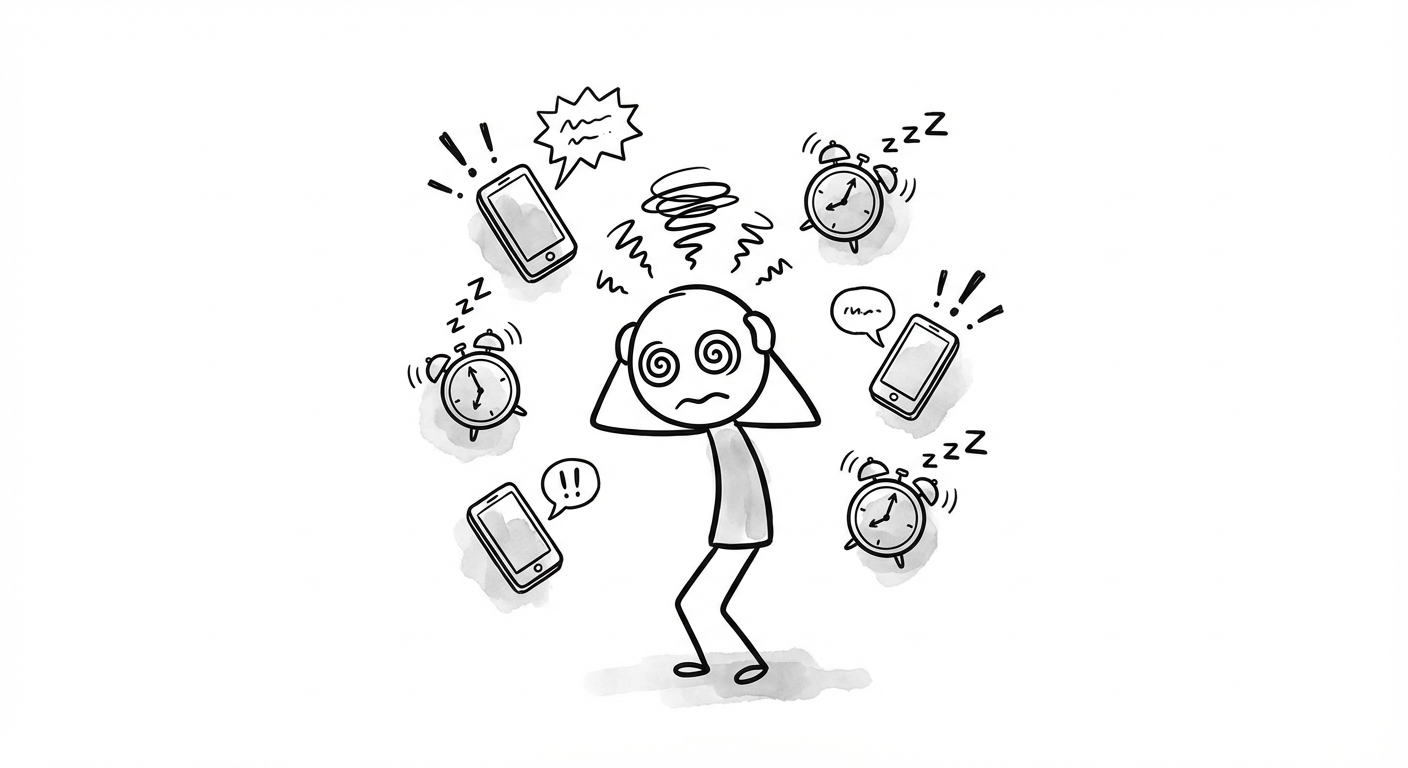
A social media post scheduler is a tool that allows you to create, plan, and automatically publish content across multiple platforms at predetermined times. Instead of posting in real-time, you can batch your content creation and schedule posts days, weeks, or even months in advance.
Modern schedulers go far beyond basic timing features. Today's AI-powered social media tools offer intelligent capabilities that transform how you approach content.
Set specific dates and times for posts to go live automatically
Visual overview of your posting schedule across all platforms
Organize posts in queues that publish at optimal intervals
Track performance and adjust strategy based on data
Generate, rewrite, and optimize content with AI
Why You Need a Social Media Post Scheduler
The benefits of using a scheduler extend far beyond convenience. Research shows that consistent posting increases engagement rates by 47%, while brands that reply to comments within 24 hours see even higher engagement on future posts.[2]
1. Consistency Without Burnout
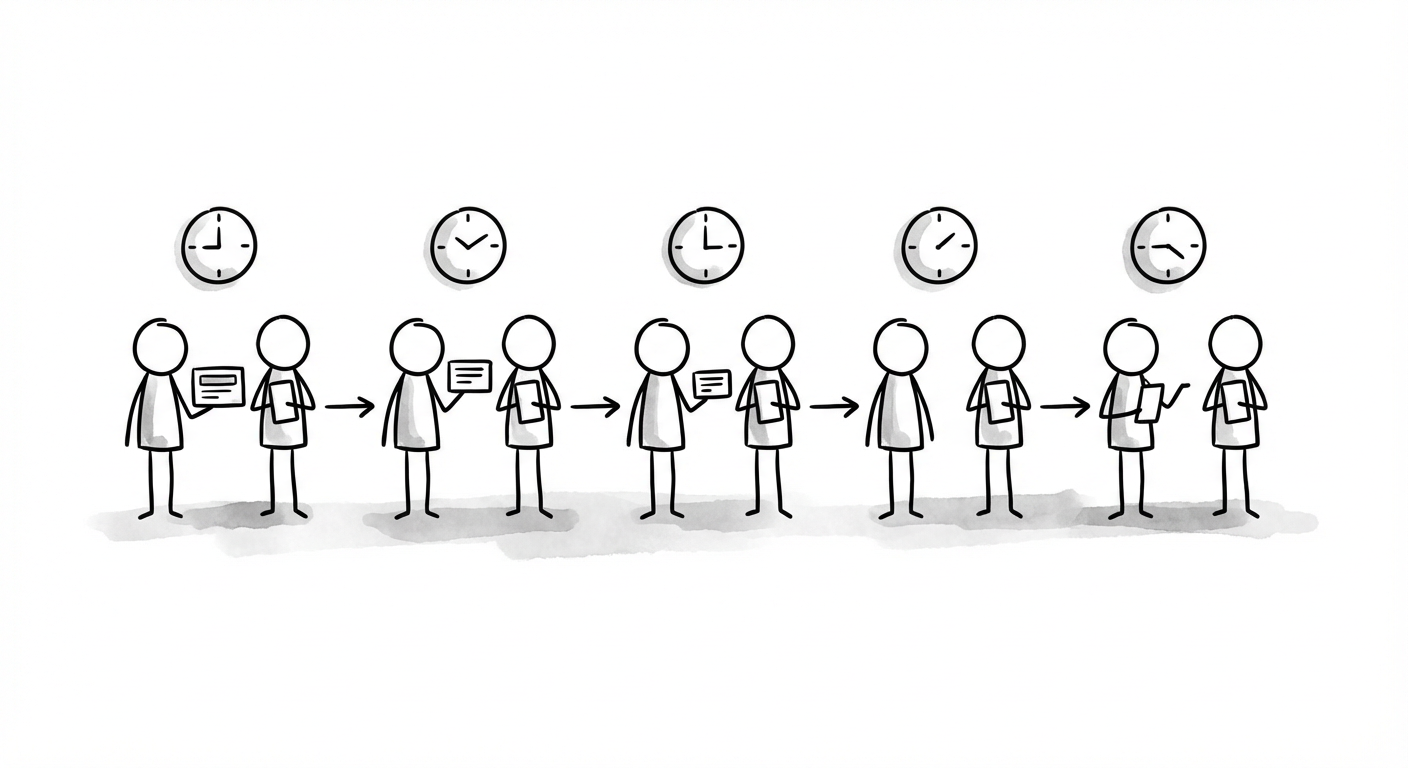
The algorithm rewards consistency. But posting manually every day at optimal times is exhausting. A scheduler lets you maintain a consistent presence without being chained to your phone. You can batch content during your creative peaks and let automation handle distribution.
2. Post at Peak Engagement Times
Your audience might be most active at 7 AM or 9 PM, times when you'd rather not be working. Schedulers let you hit those optimal windows without sacrificing your personal time. According to recent data, LinkedIn posts during work hours see 5x more engagement than those posted outside business hours.[3]
3. Cross-Platform Efficiency
Managing Twitter, LinkedIn, Instagram, and Threads separately is inefficient. A scheduler provides one dashboard for all platforms, letting you customize content for each while managing everything from a single interface. This is especially valuable for growing your presence across multiple platforms.
4. Better Content Quality
When you're not rushing to post something right now, you have time to craft better content. Batch creation allows for editing, refinement, and strategic thinking that real-time posting simply doesn't permit.
How to Choose the Right Social Media Post Scheduler
Not all schedulers are created equal. The best tool for you depends on your specific needs, platforms, and workflow. Here's what to evaluate when making your choice.
Platform Support
First, verify that the tool supports all the platforms you use. Most schedulers handle Twitter/X, Facebook, Instagram, and LinkedIn. Fewer support newer platforms like Threads, Bluesky, or Mastodon. If you're focused on mastering social media scheduling, ensure your chosen tool covers your entire platform mix.
AI Capabilities
In 2026, 71% of social media marketers embed AI tools into their strategies.[4] Look for schedulers that offer AI-powered features like content generation, caption writing, hashtag suggestions, and engagement predictions. These features dramatically reduce content creation time.
Analytics Depth
Good scheduling is useless without measurement. Look for built-in analytics that show reach, engagement, click-throughs, and growth trends. The best tools also offer competitor benchmarking and recommendations for improvement.
Team Collaboration
If you work with a team or clients, approval workflows are essential. Look for features like draft states, review processes, and role-based permissions to prevent publishing accidents.
Pricing Structure
Pricing varies wildly, from free tiers with limitations to enterprise plans exceeding $100/month. Consider the cost per channel, post limits, and whether AI features require additional payment.
Start with a free trial before committing. Most quality schedulers offer 7-14 day trials with full feature access. Use this time to test your actual workflow, not just explore the interface.
Best Practices for Social Media Scheduling
Having the right tool is just the beginning. How you use it determines your results. Here are the strategies that separate successful social media managers from those who struggle.
- Batch Content Creation WeeklySet aside 2-3 hours once per week to create and schedule all your content. This focused approach produces better quality than scattered daily efforts.
- Use Platform-Specific CustomizationDon't post identical content everywhere. Adjust format, hashtags, and messaging for each platform's unique audience and format requirements.
- Leverage Your Own AnalyticsGeneric "best time to post" charts are unreliable. Use your own historical data to identify when YOUR audience is most active and engaged.
- Build Content Queues by CategoryCreate separate queues for different content types: educational, promotional, engagement-focused, and curated. This ensures variety and prevents content fatigue.
- Leave Room for Real-Time EngagementScheduling handles distribution, but engagement requires presence. Block time daily to respond to comments, DMs, and mentions.
- Review and Refresh RegularlyScheduled content can become outdated. Review your queue weekly to ensure all posts remain relevant and timely.
Leveraging AI for Smarter Scheduling
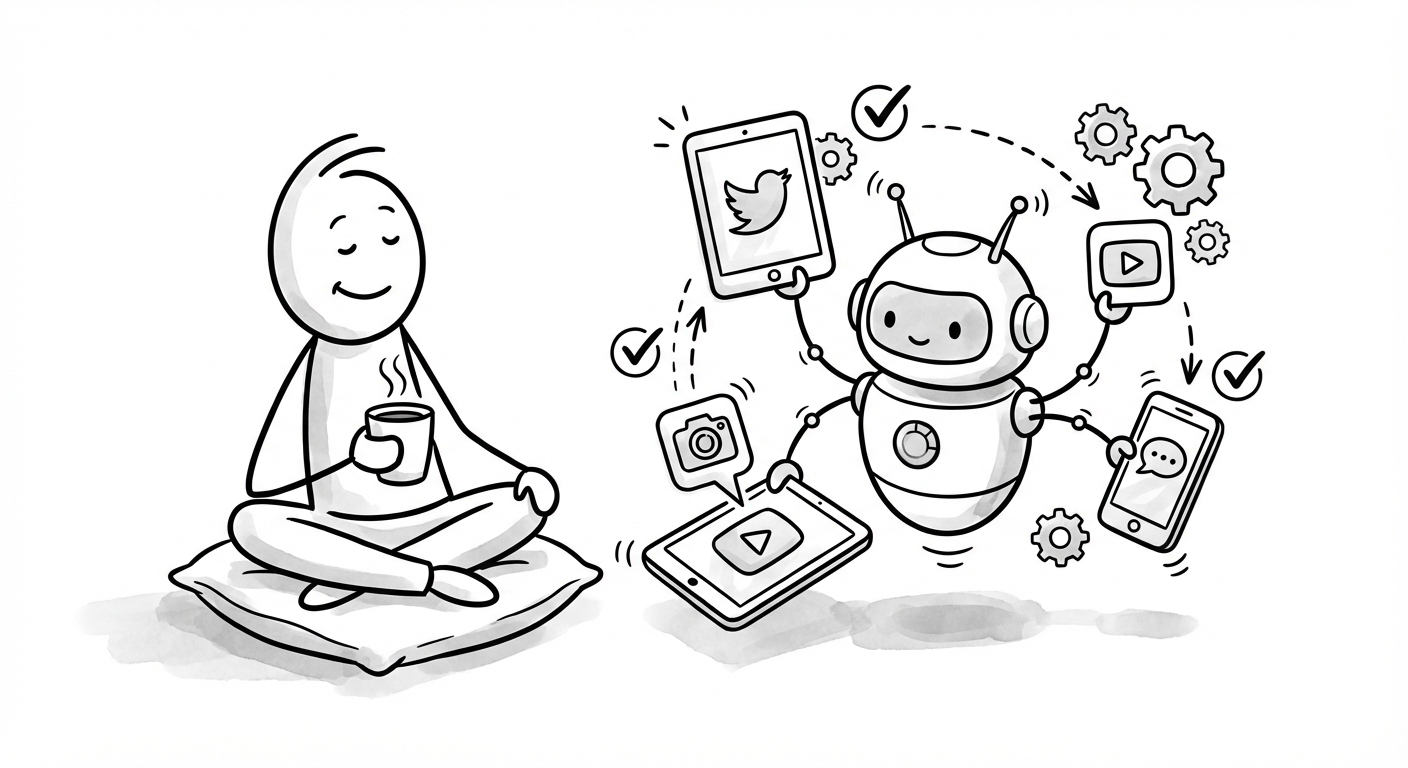
The most significant advancement in social media scheduling is AI integration. Modern tools don't just post at set times; they actively help you create better content and optimize your strategy.
AI Content Generation
Writer's block is no longer an excuse. AI can generate tweet ideas, suggest hooks, rewrite content for different platforms, and even create entire posts from a simple prompt. The key is using AI as a starting point, then adding your unique voice and perspective.
Predictive Analytics
Advanced schedulers use AI to predict how well posts will perform before you publish them. This engagement prediction helps you prioritize high-potential content and refine underperformers.
Smart Scheduling
Instead of guessing optimal times, AI analyzes your historical data and audience behavior to recommend the best posting windows. Some tools even identify low-competition periods when your content has a better chance of standing out.
Tools like xAIcreator combine AI-powered content generation with multi-platform scheduling, creating a unified workflow for modern social media management.
xAIcreator: Next-Generation Scheduling Features
While many schedulers offer basic functionality, xAIcreator has recently introduced game-changing features that address the real pain points of content creators and social media managers.
See your entire content schedule in month, week, or day view. Drag and drop posts to reschedule instantly.
Import via Excel with full control: assign to different Social Sets, set timezones, choose communities, and decide whether to schedule or save as drafts.
Save posts as drafts, review and refine them, then schedule with one click when ready. Never publish half-baked content again.
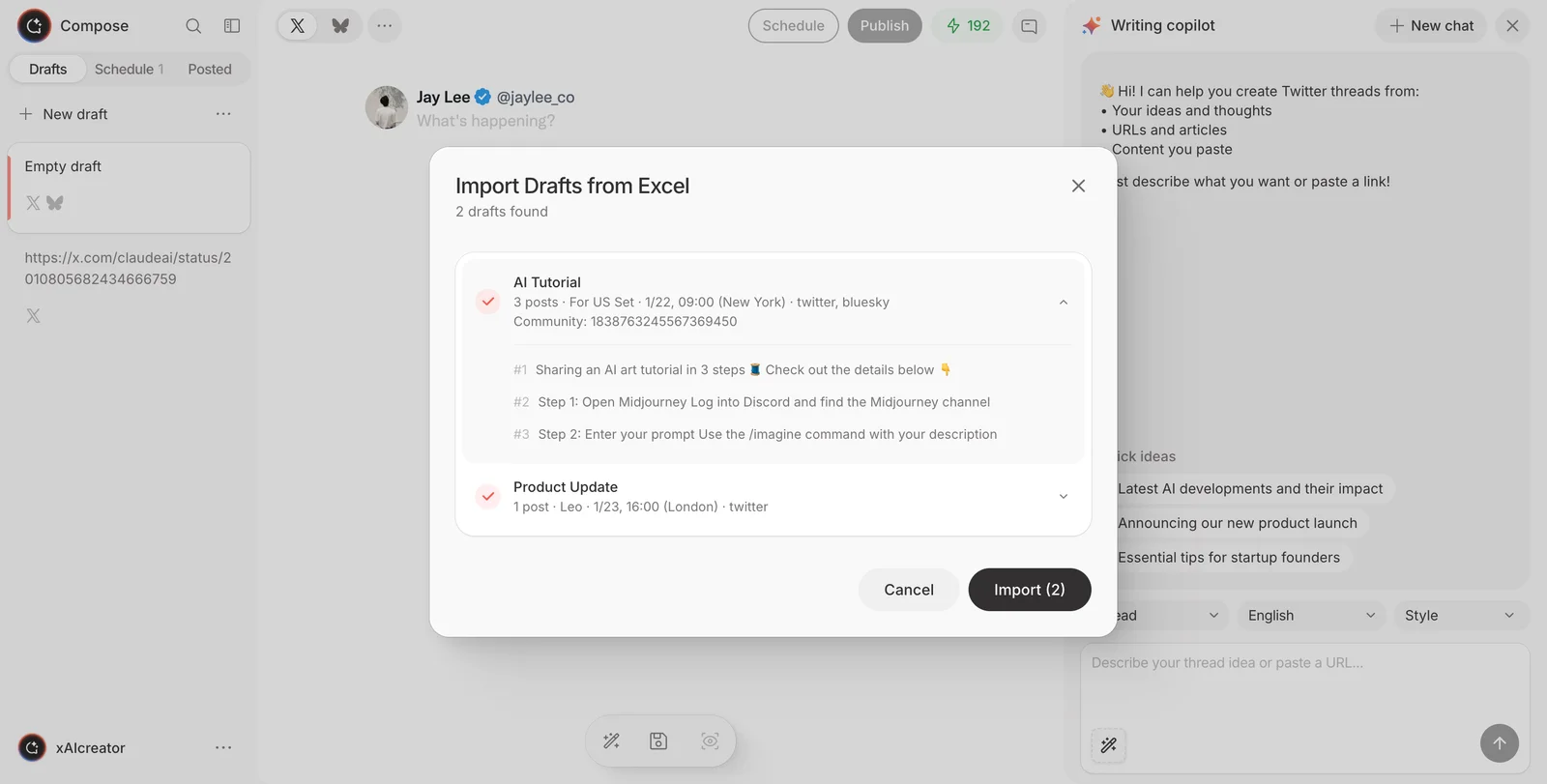
The Visual Calendar alone transforms how you plan content. Instead of scrolling through a list, you can see gaps in your schedule, identify content-heavy days, and balance your posting frequency at a glance. Combined with batch import, you can plan an entire month of content in under an hour.
Frequently Asked Questions
What is the best social media post scheduler in 2026?
The best scheduler depends on your specific needs. For AI-powered content creation combined with multi-platform scheduling, xAIcreator offers excellent value. For basic scheduling needs, Buffer and Hootsuite remain solid choices. Evaluate based on your platform requirements, budget, and need for AI features.
How far in advance should I schedule social media posts?
Most successful managers schedule 1-2 weeks in advance for regular content. This provides enough buffer to maintain consistency while staying relevant. Evergreen content can be scheduled further out, but time-sensitive posts should be closer to real-time.
Does scheduling posts hurt engagement?
No, scheduling itself doesn't hurt engagement. The algorithms can't tell whether a post was scheduled or published manually. What matters is content quality, posting consistency, and your responsiveness to comments. Scheduled posts often perform better because they're published at optimal times.
Can I schedule posts on multiple platforms simultaneously?
Yes, most modern schedulers support cross-platform posting. You can create one post and publish it across Twitter, LinkedIn, Instagram, and more. Better tools also let you customize the content for each platform while managing everything from one dashboard.
How much time does a social media scheduler actually save?
Most users report saving 10-15 hours per week. The time savings come from batch content creation, eliminated platform-switching, and automated posting. Over a year, that's 500+ hours you can redirect to strategy, content improvement, or other priorities.
Conclusion
A social media post scheduler is no longer optional for serious content creators and marketers. The combination of time savings, improved consistency, and strategic posting makes scheduling tools essential for anyone managing social media professionally.
The key is choosing the right tool for your workflow and using it strategically. Batch your content creation, leverage AI for efficiency, customize for each platform, and always leave room for genuine engagement.
Start with the features you need today, but choose a tool that can grow with you. As your presence expands across platforms, your scheduler should scale seamlessly alongside your ambitions.
Sources & Further Reading
- Sprout Social Social media engagement statistics and benchmarks 2026
- Hootsuite Blog 60+ social media statistics marketers need to know in 2026
- Buffer 2026 Social Media Benchmarks to Guide Your Strategy
- Sprout Social 21 Best Social Media Scheduling Tools in 2026
Ready to Transform Your Social Media Workflow?
Join 10,000+ creators who save hours every week with AI-powered scheduling and content generation. Start your journey to consistent, engaging social media presence today.
Yee is the founder of XAICreator, an AI-powered social media marketing platform. He specializes in building tools that help creators and marketers grow their presence on X (Twitter).
With expertise in AI, SEO, and content marketing, Yee has helped hundreds of users optimize their social media strategy and increase engagement through data-driven insights.