
Text Only
1.0x
With Images
2.5x

Discover how AI tools can transform your Twitter strategy. Learn proven techniques for content creation, scheduling, and growth.
66% of marketers worldwide now use AI tools in their daily workflow[1], and Twitter/X marketing is no exception. The platform's fast-paced nature makes it perfect for AI-powered automation, but only if you do it right.
This guide shows you exactly how to leverage AI tools to create better content, optimize posting times, and grow your Twitter presence without spending hours glued to your screen.

AI won't replace your authentic voice on Twitter. It amplifies it. Use AI for the heavy lifting, then add the human touch that builds real connections.
Twitter moves fast. Really fast. While you're crafting the perfect tweet, your competitors have already posted five times. AI tools level the playing field by helping you:

Not all AI tools are created equal. Here are the ones that actually move the needle for Twitter growth:
Use large language models to brainstorm tweet ideas, write threads, and craft replies. The key is giving specific prompts that match your brand voice.
Write 5 tweet ideas about [topic] for a [industry] brand. Tone: conversational but professional. Include one thread idea and one poll concept. Each tweet should be under 280 characters.
An all-in-one platform that combines AI writing, scheduling, and analytics. Perfect for creators and businesses who want everything in one place.
AI-powered tweet generation, optimal timing suggestions, multi-account management, and detailed analytics dashboard.
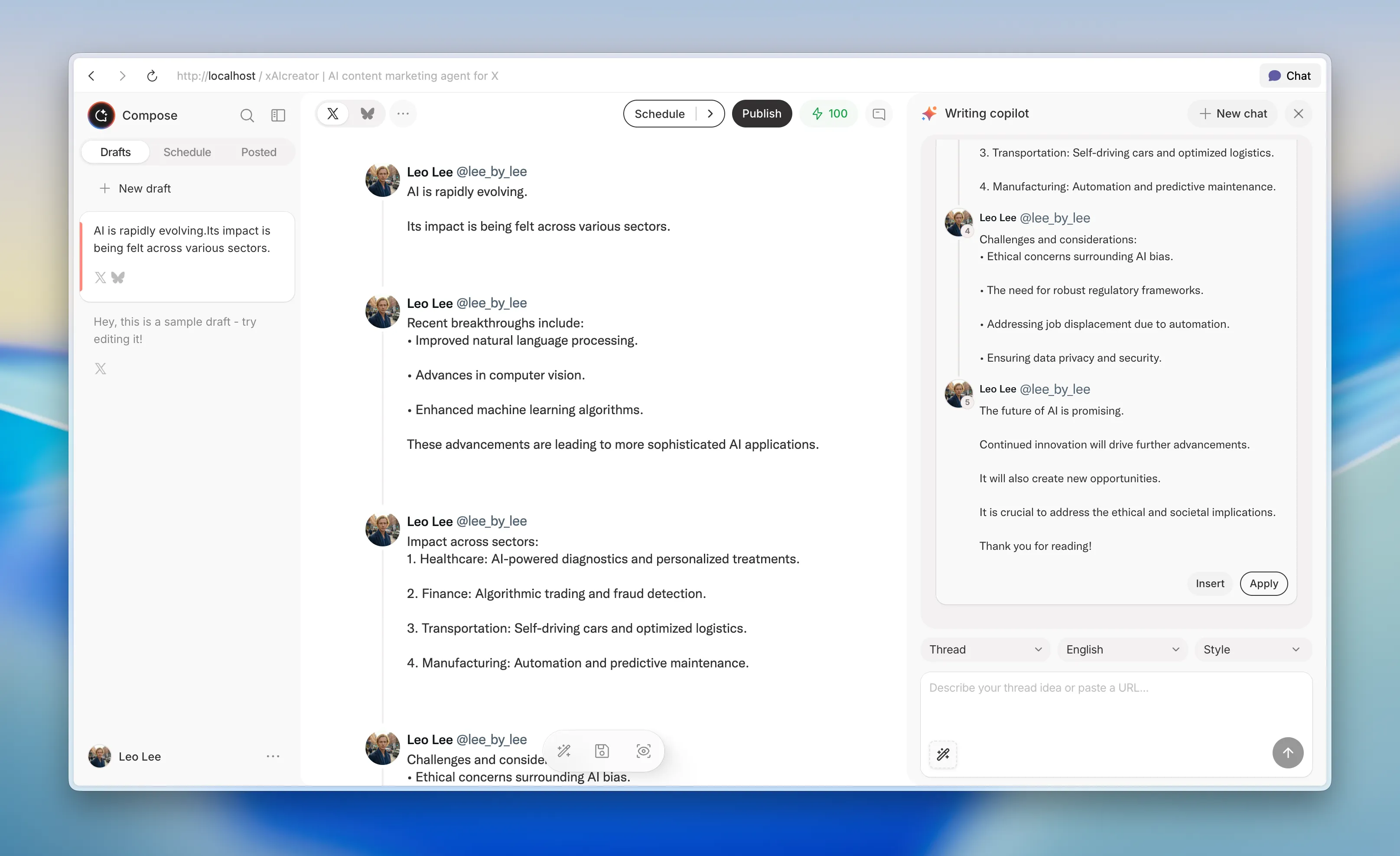
Specializes in long-form Twitter content. Great for turning blog posts and ideas into viral threads with AI assistance.
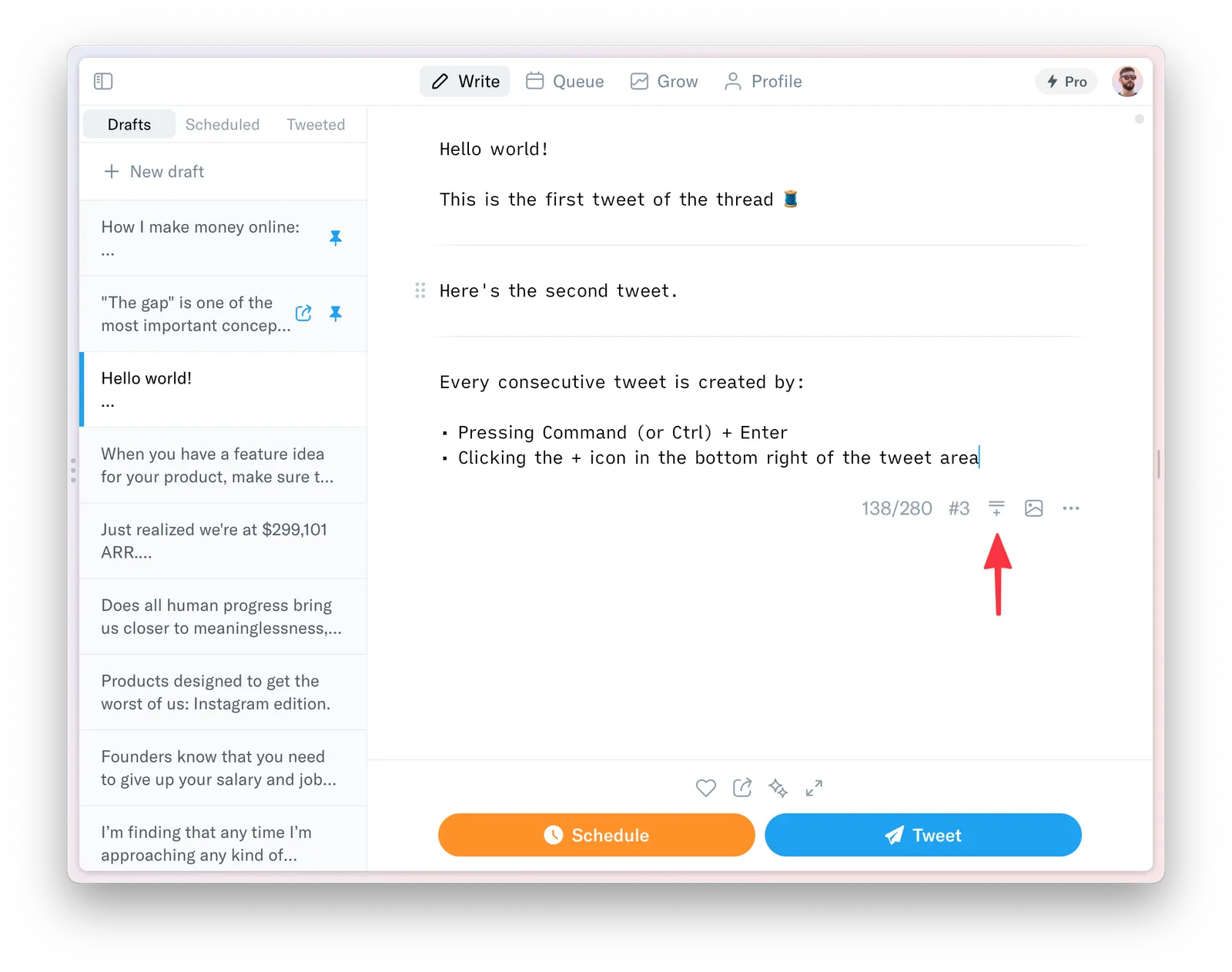
Combines AI content suggestions with deep analytics to help you understand what works and why.
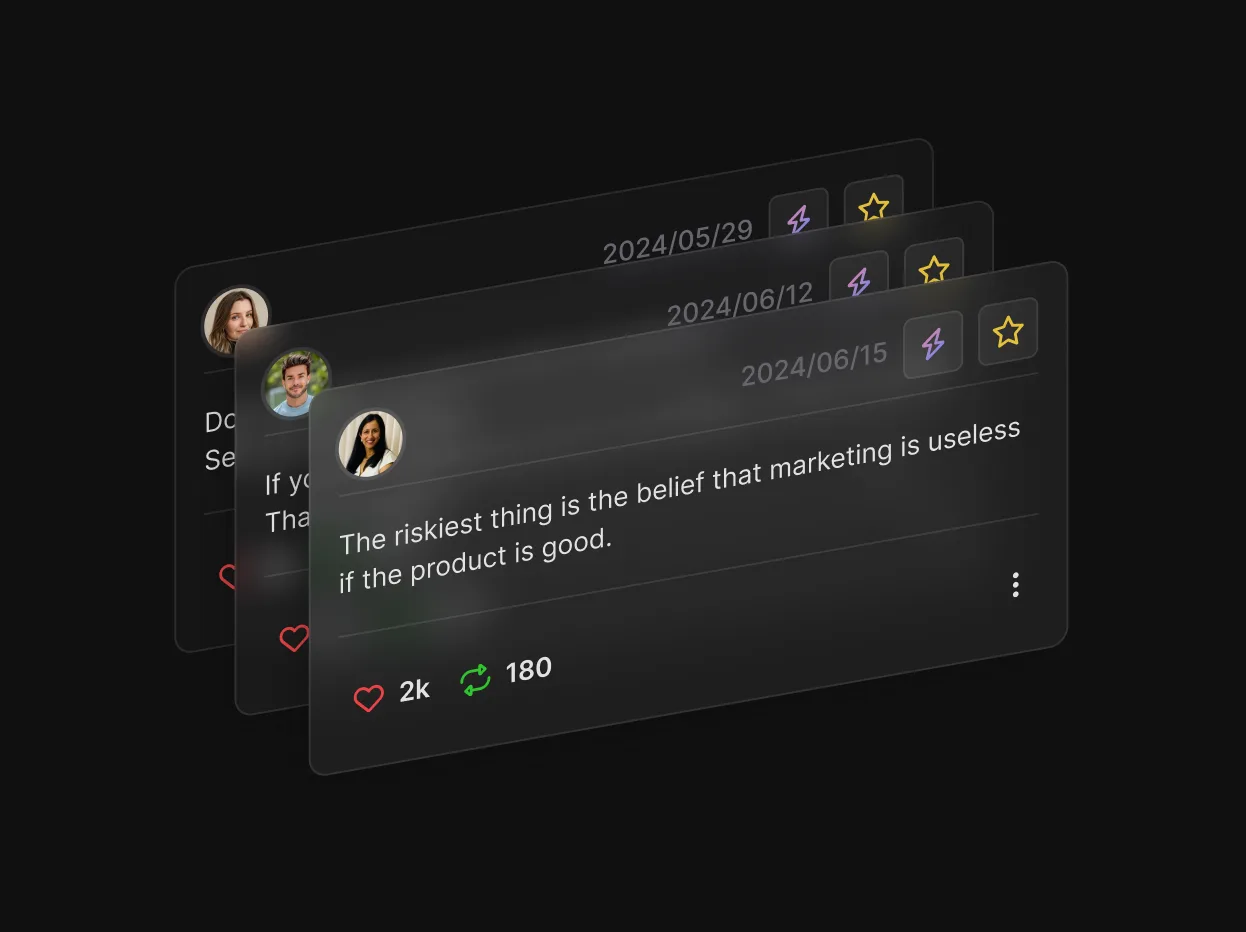
Automates engagement, retweets your best content, and helps you build consistent posting habits.

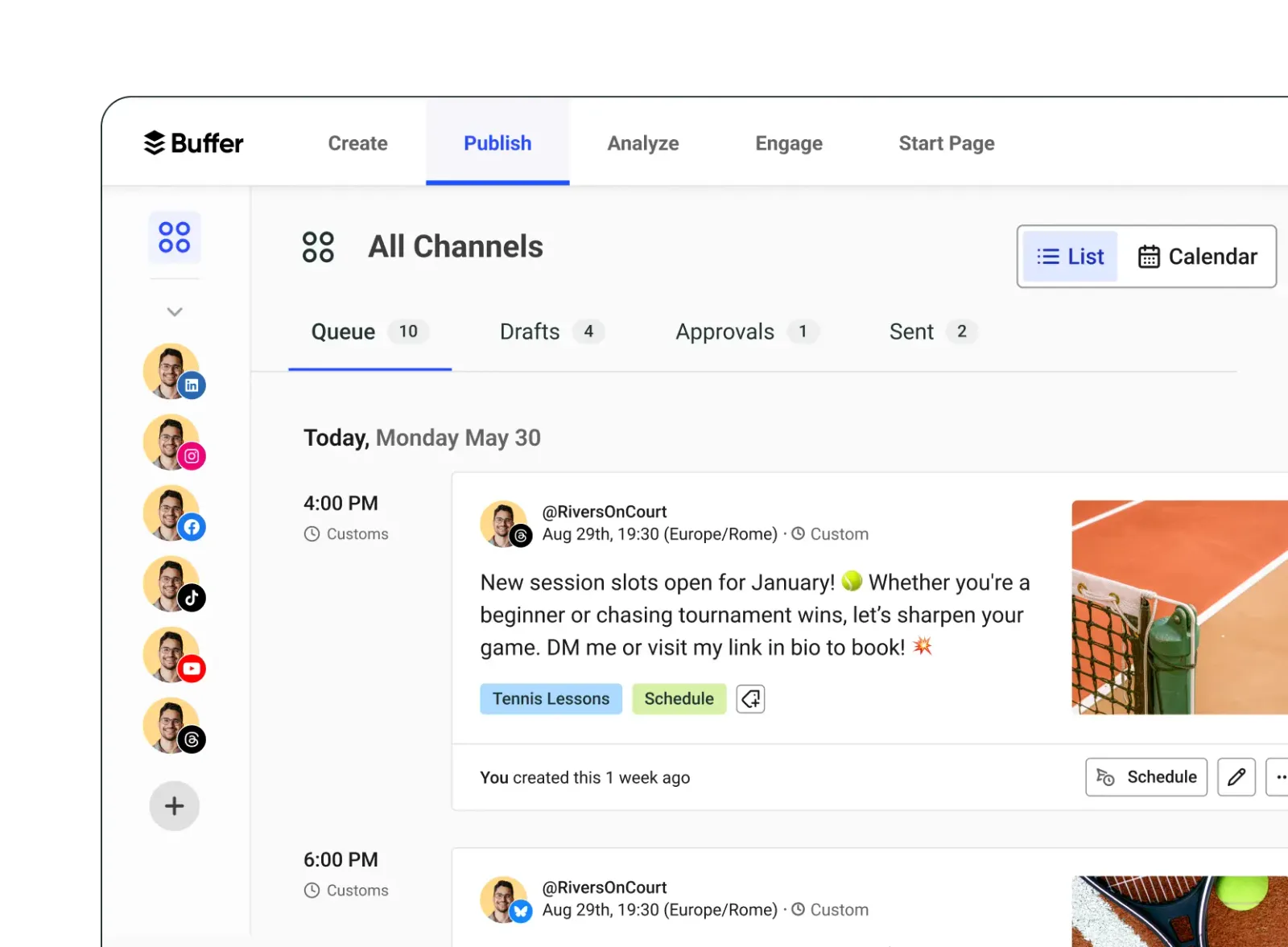
Buffer's AI Assistant helps you repurpose content across platforms. Write once, and let AI adapt your message for Twitter, LinkedIn, and Instagram simultaneously.
Teams and creators managing multiple social accounts who need consistent cross-platform presence.
Create scroll-stopping visuals without design skills. Canva's AI generates images, removes backgrounds, and suggests layouts that drive engagement.


Here's a proven workflow that takes 30 minutes and gives you a week's worth of content:

Don't post AI-generated content without editing. Raw AI output sounds generic. Add personal stories, opinions, and your unique perspective to stand out.
The quality of your AI output depends entirely on your prompts. Here are templates that consistently produce great results:
I'm a [role] who helps [audience] achieve [goal]. Give me 10 tweet ideas that would resonate with my followers. Focus on [pain point] and how to solve it. Mix formats: tips, hot takes, and questions.
Turn this concept into a 7-tweet thread: [your idea]. Start with a strong hook that creates curiosity. Each tweet should be valuable standalone. End with a clear CTA. Keep each tweet under 240 characters for readability.
Someone tweeted: "[tweet content]". Write 3 reply options that add value to the conversation. Be helpful, not promotional. Match the original tone.

Track these metrics to ensure your AI strategy is working. For a deeper dive into analytics, check out our guide on mastering Twitter analytics.
| Metric | What It Tells You | Target Improvement |
|---|---|---|
| Engagement Rate | Content resonance | +20% in 30 days |
| Follower Growth | Audience building speed | +10% monthly |
| Time to Create | Efficiency gains | -50% per post |
| Reply Rate | Community engagement | +30% in 60 days |

AI is powerful, but it can backfire if used incorrectly. Watch out for these traps:
The best AI-powered Twitter accounts feel more human, not less. AI handles the grunt work so you can focus on genuine connection. Marketing Expert
AI tools aren't a magic bullet for Twitter success, but they're close. By automating content creation, optimizing your schedule, and analyzing what works, you can achieve in hours what used to take days.
Start small. Pick one tool from this guide, master it, then expand. The creators winning on Twitter in 2025 aren't working harder. They're working smarter with AI. If you're serious about growth, combine these tools with a solid personal branding strategy to maximize your impact.
Try xAIcreator free and see how AI can transform your social media strategy.
CA Zhu is a senior software engineer at XAICreator with expertise in full-stack development and AI integration. He specializes in building scalable backend systems and implementing machine learning solutions for social media analytics.
With years of experience in TypeScript, Python, and cloud architecture, CA Zhu is passionate about creating efficient, developer-friendly tools that power the next generation of AI applications.

Choose Twitter management tools by testing workflow fit, account permissions, and X analytics before your team commits.

Learn how to write a Twitter thread with a clear Twitter thread structure, a reusable X thread template, and practical thread writing tips for drafting, reviewing, and scheduling.

X just open-sourced their recommendation algorithm in January 2026. This complete guide breaks down how the For You feed works, what engagement signals matter most, filters that kill your reach, and 10 actionable strategies to optimize your posts for maximum visibility.

A skeptic's 7-day Twitter reply guy experiment that resulted in 5 million impressions. Learn the E.S.S. framework, list organization strategy, and how to leverage AI tools for sustainable engagement growth.

Discover how XAICreator helps you create, schedule, and optimize your social media content with the power of AI.

Learn how to make a fake tweet screenshot for a design mockup, add a fictional-content label, and complete a safe sharing review before export.

Explore fake tweet ideas for design mockups, presentations, and classroom exercises, with a practical safety checklist for every fictional post.

Learn how to search tweets by date, use since and until, filter a specific public account, and export a clean Twitter research file without endless scrolling.