

Comparing Buffer vs xAIcreator for Twitter growth in 2026. See how AI content generation, multi-platform scheduling, and pricing stack up. Find the best Buffer alternative for creators.
Introduction: Buffer Is Great, But Is It Enough?
Buffer has been a go-to social media scheduling tool for over a decade. It's clean, reliable, and does what it promises. But here's the thing: the social media game has changed. AI-powered content creation is no longer optional for creators who want to stay competitive.
If you're managing multiple social accounts and spending hours crafting posts, you've probably wondered if there's a smarter way. There is. This comparison breaks down Buffer and xAIcreator side by side so you can decide which tool fits your workflow. New to scheduling? Check out our social media scheduling fundamentals first.
Buffer is a solid scheduler with light AI. xAIcreator goes further with full AI content generation, visual calendar, and batch import features. Choose based on whether you need help writing or just scheduling.

Buffer at a Glance: What It Does Well
Buffer has earned its reputation for simplicity.[1] Here's what works:
- Clean Interface: Minimal learning curve, get started in minutes
- Multi-Platform: Support for X, Instagram, Facebook, LinkedIn, Pinterest, TikTok
- Queue System: Set posting times, Buffer handles the rest
- Team Features: Approval workflows and collaboration tools
- AI Assistant: Basic AI suggestions for post improvements
- Analytics: Track performance across platforms
Buffer Pricing (January 2026)[2]
| Plan | Price | Key Features |
|---|---|---|
| Free | $0 | 3 channels, 10 posts per channel, basic analytics |
| Essentials | $5/month per channel | Unlimited posts, engagement tools, advanced analytics |
| Team | $10/month per channel | Unlimited team members, approval workflows, custom permissions |
Note: Buffer charges per channel. Managing 5 accounts on the Essentials plan costs $25/month.
Where Buffer Falls Short
Buffer does scheduling well. But if you need more than scheduling, here's where it struggles:
1. Limited AI Capabilities
Buffer's AI Assistant helps polish existing content. It doesn't generate content from scratch. If you're staring at a blank screen wondering what to post, Buffer won't help much.
2. Per-Channel Pricing Adds Up
The $5/channel model sounds cheap until you're managing 10 accounts across platforms. That's $50/month for basic features without team collaboration.
3. No Batch Import
If you have 50 posts ready in a spreadsheet, you'll enter them one by one. There's no bulk upload option.
4. Basic Calendar View
Buffer's calendar shows scheduled posts, but lacks drag-and-drop rescheduling or visual content previews.
xAIcreator: Built for AI-First Content Creation
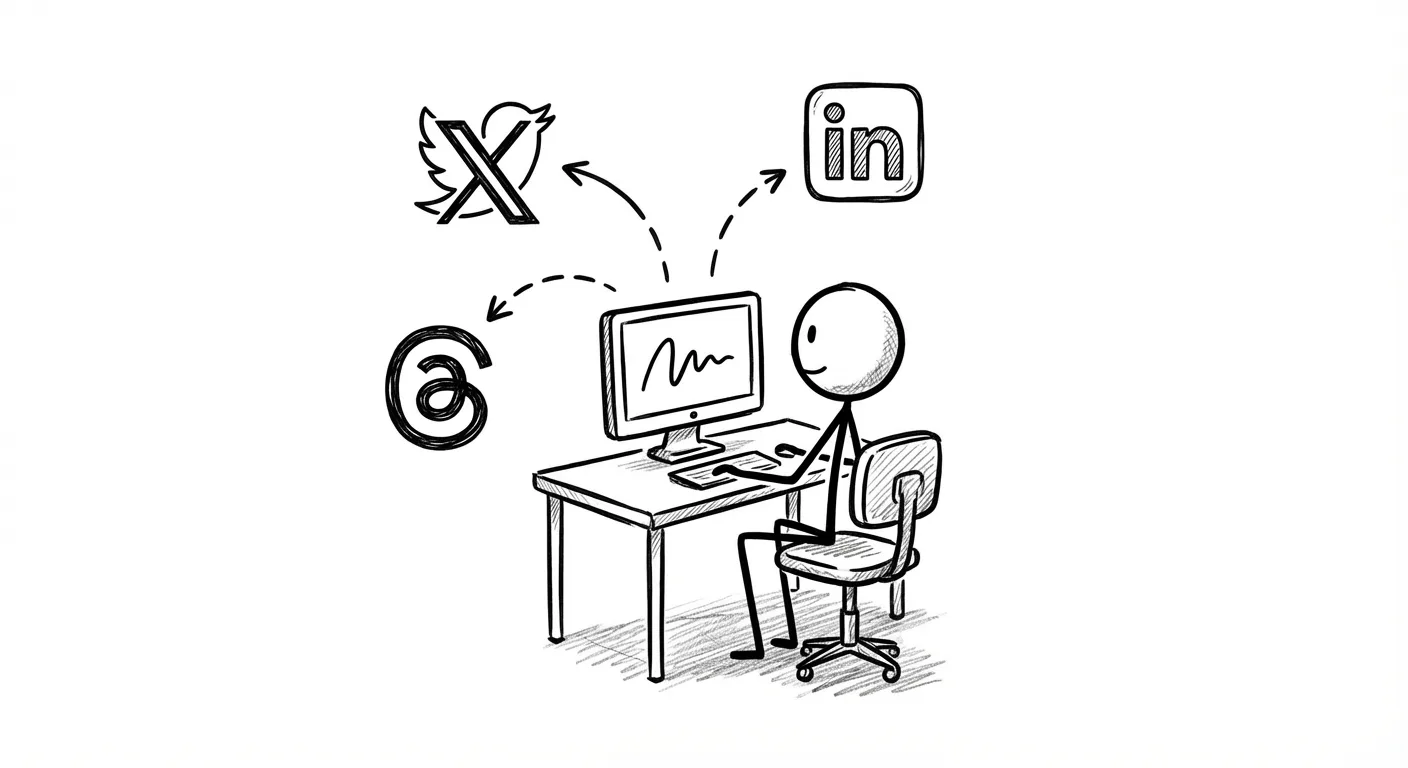
xAIcreator takes a different approach. Instead of being a scheduler that added AI later, it's an AI content platform that includes scheduling. The focus is on getting posts created, not just scheduled.
Generate tweets, threads, and posts from ideas, URLs, or long-form content
Month/Week/Day view with drag-and-drop rescheduling
Upload 100 posts at once via Excel with timezone and account targeting
Manage 10+ accounts from one dashboard with Social Sets
How We Compared These Tools
This comparison evaluates Buffer and xAIcreator across key criteria: AI content generation capabilities, scheduling features, pricing structure, and platform support. We tested both tools hands-on in January 2026, verified pricing from official websites, and reviewed user feedback from G2 and Product Hunt. Our focus is on helping Twitter-focused creators find the right tool for their workflow.
Feature Comparison: Buffer vs xAIcreator
Head-to-Head Comparison
| Feature | Buffer | xAIcreator |
|---|---|---|
| AI Content Generation | Basic suggestions only | Full generation + rewriting |
| Content from URLs/Articles | No | Yes, AI transforms content |
| Visual Calendar | Basic list view | Month/Week/Day + drag-drop |
| Batch Import | No | Yes (Excel with templates) |
| Draft Management | Basic drafts | Full draft workflow + review |
| Platforms Supported | 6 platforms | 5 platforms (X-focused) |
| Team Collaboration | Yes (Team plan) | Yes (Pro/Enterprise) |
| Analytics | All platforms | X platform only |
| Free Plan | 3 channels, 10 posts each | 100 credits + 10 tweets |
Pricing Comparison: What You Actually Pay
Here's where it gets interesting. Buffer's per-channel pricing looks cheap until you calculate real costs.

| Scenario | Buffer Cost | xAIcreator Cost | Winner |
|---|---|---|---|
| 1 account, basic needs | $5/mo (Essentials) | $0 (Free tier) | xAIcreator |
| 3 accounts, solo creator | $15/mo | $24.9/mo (Basic) | Buffer (if no AI needed) |
| 5 accounts + AI writing | $25/mo + no AI | $49/mo (Pro) | xAIcreator (AI included) |
| 10 accounts, team | $100/mo (Team) | $49/mo (Pro, 5 accounts) | Depends on needs |
If you only need scheduling, Buffer is cheaper for 1-3 accounts. If you need AI content generation, xAIcreator's $24.9/mo includes features Buffer doesn't offer at any price.
Scheduling Features Deep Dive

Both tools handle scheduling, but the experience differs:
Buffer's Approach
- Queue-based system with preset posting times
- Simple calendar view (list format)
- Works well for consistent posting schedules
- Limited flexibility for one-off changes
xAIcreator's Approach
- Visual calendar with Month/Week/Day views
- Drag-and-drop to reschedule posts
- Batch import from Excel for bulk scheduling
- Social Sets for grouping accounts by brand or campaign
- Draft workflow: save, review, then schedule
For a detailed guide on scheduling strategies, see our complete post scheduler guide.
AI Content Generation: The Gap
This is where the tools diverge most. According to recent data, creators using AI tools save an average of 5+ hours per week on content creation.[3]
Buffer's AI Assistant
- Suggests improvements to existing drafts
- Helps rephrase or shorten content
- No generation from scratch
- No content transformation (URL to post)
xAIcreator's AI Features
- Generate posts from ideas or prompts
- Transform articles/URLs into tweet threads
- Rewrite content in different styles
- Maintain brand voice with custom settings
- Create multiple variations for A/B testing
Want to see how AI tools can transform your workflow? Read our guide to AI tools for Twitter marketing.
Who Should Use Buffer?
Buffer is the right choice if you:
- Need a simple, reliable scheduler with minimal learning curve
- Manage 1-3 accounts and want to keep costs low
- Already create content elsewhere and just need to schedule
- Require analytics across multiple platforms (Instagram, Pinterest, etc.)
- Work with a team that needs approval workflows
Who Should Use xAIcreator?
xAIcreator is the better choice if you:
- Spend too much time writing posts from scratch
- Want AI to help generate and transform content
- Manage 5+ accounts and need efficient workflows
- Frequently convert articles or long content into social posts
- Need visual calendar with drag-and-drop scheduling
- Want batch import to upload many posts at once

Real User Results
Here's what xAIcreator users report:
"Switched from Buffer after 3 years. The AI writing alone saves me 2 hours daily. Wish I'd found this sooner."
Marcus J., Growth Marketer
Getting Started with xAIcreator
- Sign up free No credit card required, get 100 credits to test AI features
- Connect your accounts Link X, Threads, LinkedIn, Bluesky, or Mastodon
- Try AI content generation Paste a URL or idea, let AI create your posts
- Use the visual calendar Drag and drop to schedule across the week
- Track your results Monitor engagement on X with built-in analytics
Ready to Upgrade Your Social Media Workflow?
Join 10,000+ creators who switched from basic schedulers to AI-powered content creation. See why xAIcreator is the smarter choice for serious Twitter growth.
Conclusion
Buffer and xAIcreator solve different problems. Buffer is a reliable scheduler that's been around for years. It works. If scheduling is all you need, it's a solid choice.
xAIcreator is for creators who want more. AI content generation, visual calendar, batch import, and draft management make it a complete content creation platform, not just a scheduler.
The best way to decide? Try both. Buffer has a free plan. xAIcreator has a free trial with 100 credits. Spend 30 minutes with each and you'll know which fits your workflow.
For more tool comparisons, check out our Typefully alternatives guide and Twitter growth strategies.
Sources & Further Reading
- Buffer Official Website Official product features and capabilities
- Buffer Pricing Page Current pricing plans as of January 2026
- Sprout Social: Social Media Statistics 2026 Industry research on social media management efficiency
- HubSpot: Social Media Marketing Guide Comprehensive social media marketing strategies and best practices
Yee is the founder of XAICreator, an AI-powered social media marketing platform. He specializes in building tools that help creators and marketers grow their presence on X (Twitter).
With expertise in AI, SEO, and content marketing, Yee has helped hundreds of users optimize their social media strategy and increase engagement through data-driven insights.