

Understanding your Twitter analytics is key to improving your social media performance.
Introduction
Data separates successful Twitter accounts from those that plateau. Understanding your analytics isn't just about vanity metrics. It's about making informed decisions that compound your growth over time.
This guide teaches you how to read, interpret, and act on Twitter analytics to optimize your content strategy and maximize engagement.

Top creators don't guess what works. They know. Analytics reveal patterns invisible to intuition alone, helping you double down on what resonates and cut what doesn't.
Key Metrics That Actually Matter
Not all metrics are created equal. Focus on these indicators of real engagement:
Engagement Rate Formula
| Formula | Good | Excellent |
|---|---|---|
| (Engagements ÷ Impressions) × 100 | 2%+ | 5%+ |
What Each Metric Tells You
| Metric | Indicates | Action to Take |
|---|---|---|
| High impressions, low engagement | Content isn't resonating | Improve hooks and value |
| High engagement, low follows | Profile needs optimization | Update bio and pinned tweet |
| High profile visits, low follows | Content mismatch | Align content with bio promise |

Finding Your Best Posting Times
Your analytics reveal when your audience is most active. Look for patterns in your top-performing tweets:
- Export your tweet data from Twitter Analytics
- Sort by engagement rate (not just impressions)
- Note the posting times of your top 20 tweets
- Identify clusters, these are your golden hours
- Test posting consistently during these windows
Your best posting time changes as your audience grows. Re-analyze quarterly to stay optimized.
Content Performance Analysis
Track which content types perform best for your account:
- Single tweets vs threads - Which drives more engagement?
- Media vs text-only - Does your audience prefer visuals?
- Topics and themes - Which pillars resonate most?
- Formats - Lists, questions, hot takes, tutorials

Audience Insights Deep Dive
Understanding who follows you helps you create content that converts:
- Demographics - Age, location, interests
- Active hours - When they're most likely to engage
- Growing topics - What content attracts new followers
- Overlap accounts - Who else does your audience follow
Using AI for Analytics Insights
AI tools can process your analytics data faster and spot patterns you might miss:
| Analysis Type | Manual Time | With AI |
|---|---|---|
| Weekly performance review | 2 hours | 10 minutes |
| Content categorization | 3 hours | 15 minutes |
| Competitor analysis | 4 hours | 30 minutes |
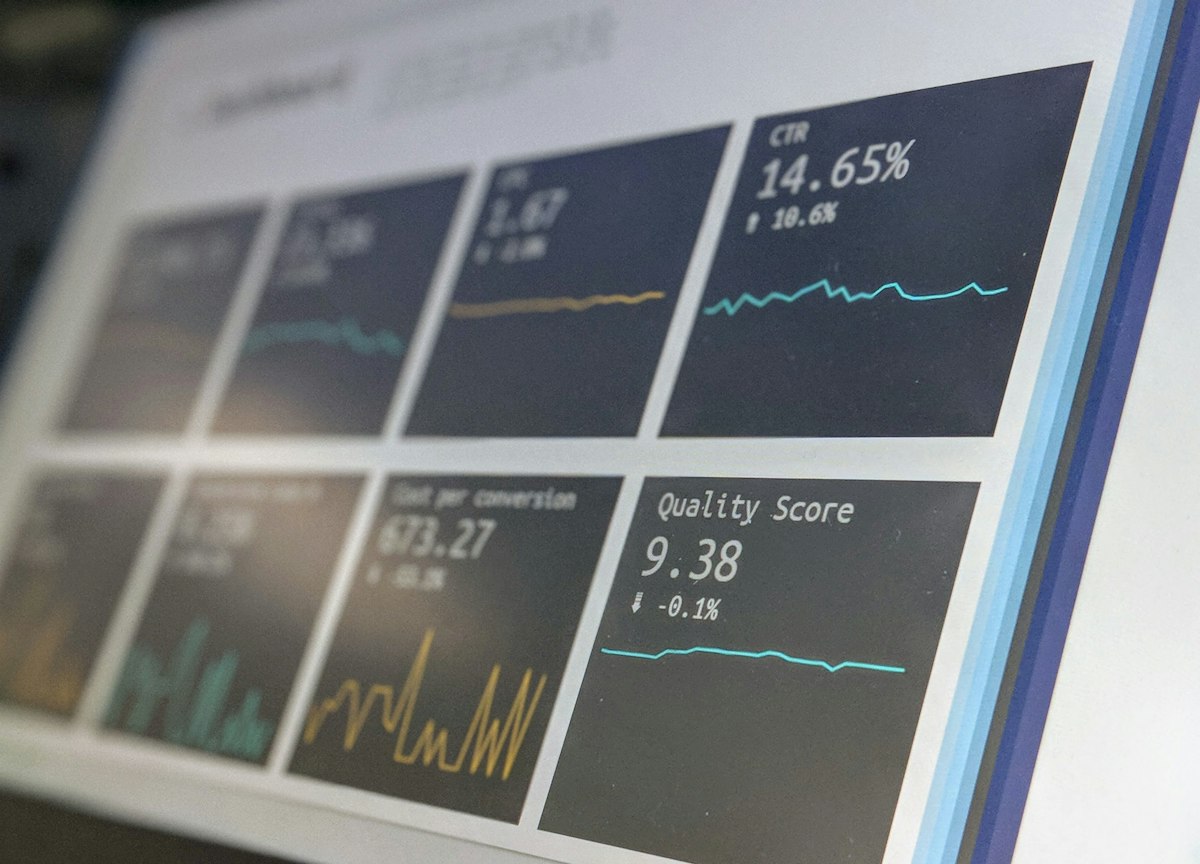
Building Your Analytics Routine
- Daily: Check notifications and engagement on recent posts
- Weekly: Review top/bottom performers, note patterns
- Monthly: Analyze follower growth, content type performance
- Quarterly: Deep dive into audience changes, strategy adjustments
Conclusion
Analytics transform Twitter from a guessing game into a strategic growth engine. Start tracking consistently, look for patterns, and let data guide your content decisions.
The accounts that win long-term are the ones that continuously learn and adapt based on what their analytics reveal.
Get AI-powered insights on your Twitter performance
xAIcreator analyzes your content and provides actionable recommendations to boost engagement.
Yee is the founder of XAICreator, an AI-powered social media marketing platform. He specializes in building tools that help creators and marketers grow their presence on X (Twitter).
With expertise in AI, SEO, and content marketing, Yee has helped hundreds of users optimize their social media strategy and increase engagement through data-driven insights.