
Use the Twitter search API through xaic, preserve pagination cursors, and set a paid request budget before collecting another page.
How do you use a Twitter search API?
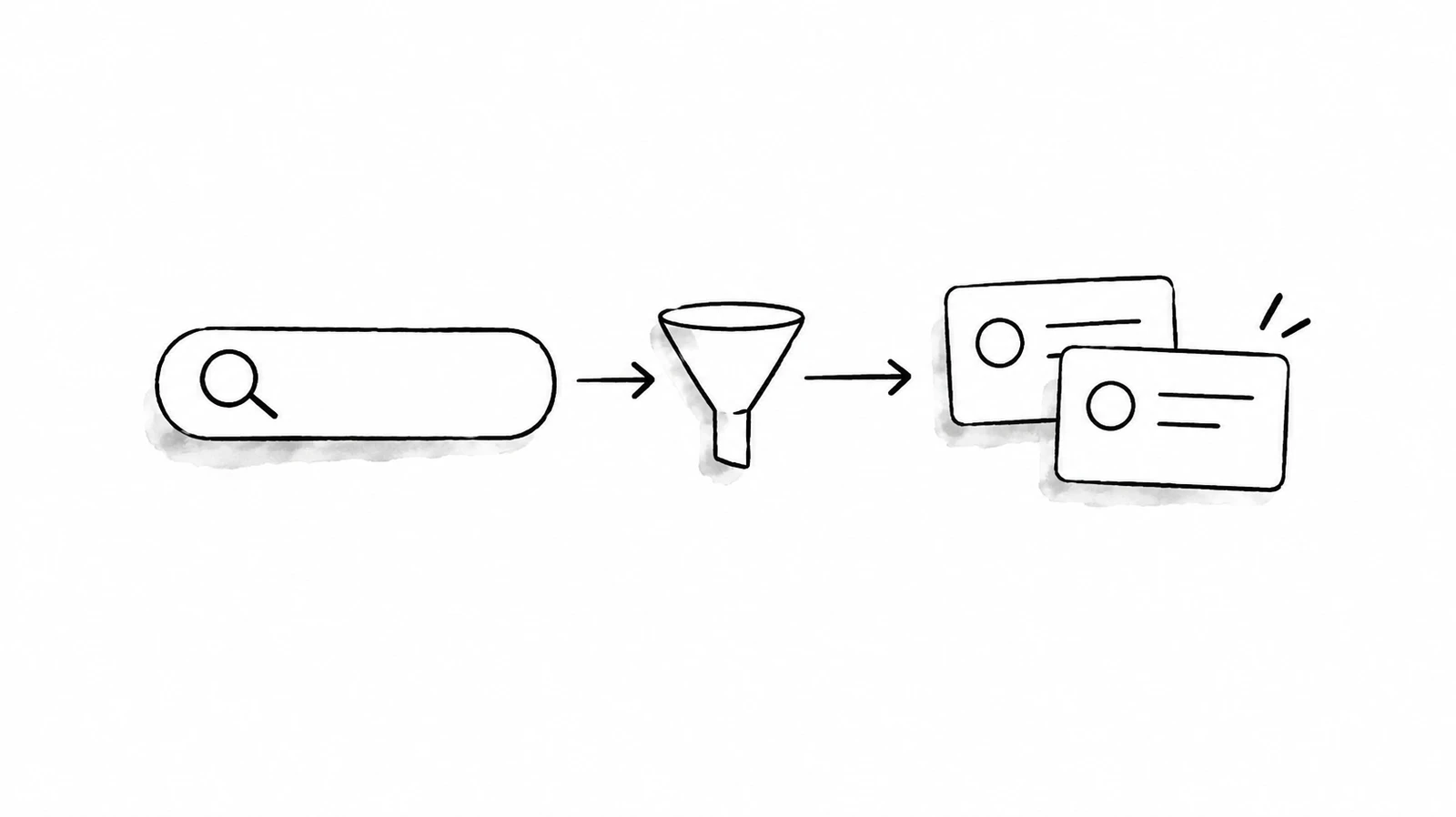
A Twitter search API lets an application request posts matching a query. With xAIcreator's xaic Data API, send a GET request to /api/xaic/v1/search with query, a search type, and your data key. Read the returned page before deciding whether to follow its cursor. Each successful page is paid, including an empty page.
This guide is for developers building a bounded research or reporting job. It uses xaic's HTTP contract, not the official X API. A xaic data key, its USD wallet and its pagination fields are separate from X developer credentials. Start with the xaic Data API reference if you need the complete endpoint list.
The official X API separates recent search and full-archive search, with different access conditions.[1] Those capabilities do not transfer to xaic. This guide does not promise complete history, every matching post, a fixed page size or a live stream.
Prepare one paid search, not an unlimited collection job
- Create a data-only key.Sign in to the API console, save the secret securely and choose spending limits appropriate for the job.
- Check the independent USD balance.Product Credits and creator subscriptions do not fund data API requests. Verify the wallet rather than treating a payment return page as confirmation.
- Define the question and a page cap.For example, inspect up to three pages matching NASA. This is a query example, not a promise about the results.
- Save a logical operation ID.Generate a UUID once for the first page, store it with the query and retain it if the connection fails.
Provide XAIC_API_KEY through your server's secret environment. Put the saved operation ID in XAIC_REQUEST_ID. OWASP recommends limiting secret access and keeping credentials out of logs.[2] Do not paste a real key into a browser console, shared document or AI prompt.

Send the first xaic search request
The following shell example requires curl with --fail-with-body support. It makes one paid request after both environment values are configured. It does not automatically retry, follow redirects or request another page. URL encoding keeps spaces and special characters inside the query value rather than turning them into new URL parameters.
curl --fail-with-body --get --max-time 30 \
  'https://xaicreator.com/api/xaic/v1/search' \
  --header "xai-key: ${XAIC_API_KEY:?Set the secret environment value}" \
  --header "Idempotency-Key: ${XAIC_REQUEST_ID:?Set the saved operation ID}" \
  --data-urlencode 'query=NASA' \
  --data-urlencode 'type=Latest'
| Parameter | Use | Boundary |
|---|---|---|
query | Required search text | Test a narrow question before expanding it. |
type | Latest or Top | Keep the same value while continuing a query. |
cursor | Optional continuation value | Omit for the first page; copy the response value unchanged for the next. |
These are the documented search inputs. Do not copy official X parameters such as start_time, end_time, max_results or expansions into this request and assume they work. The Twitter search operator guide can help you phrase a research question, but website syntax is not a support guarantee for this API.
A successful paid response contains request_id, data and billing. Search data includes tweets and next_cursor. Keep tweet IDs and decimal charge values as strings. Check optional fields before using them. The examples here are contract-based instructions, not claimed live paid search results.
Follow cursors without paying twice for a lost response
Read data.next_cursor. If it is null, empty or a cursor already seen in this job, stop. Otherwise, check the page and spending caps before another call. The official X API uses its own meta.next_token convention;[3] do not parse a xaic response using that field name.

For the next request, retain query and type, pass the exact returned cursor, and assign a new operation ID. Save those inputs before sending. A cursor is opaque: do not decode, increment, shorten or invent it. Use your HTTP library's query encoding rather than string concatenation.
Before sending each page:
  Save the path, query, type, cursor and operation ID.
  Check the page cap and remaining spending allowance.
After a successful response:
  Save the response, request_id and billing amount.
  Count the page even if it has no tweets.
  Stop on a missing, empty or repeated next_cursor.
After a timeout or uncertain outcome:
  Stop and retain the saved operation.
  Reconcile or retry the exact request with the same ID.
This is a control-flow outline, not an executable collector. A production client also needs durable state and a single owner for each job. Do not restart a failed job with fresh IDs for pages that might already have completed. A settled same-key replay does not charge again; a new key creates a new observation. Deduplicating tweet IDs in your output does not reverse valid page charges.
At the public price version 2026-10-21-v1, checked November 3, 2026, one successful search page costs $0.00040. Three pages cost $0.00120, whether they contain many tweets or none. This is usage cost, not the minimum wallet top-up. Check the API pricing and budget guide and the live price catalog before increasing the cap.
Search errors and coverage questions
What if the request times out?
A client timeout does not prove the operation failed. Preserve the original inputs and ID. Retry only that same request with the same key when following the documented recovery flow. If the API returns 409 REQUEST_PENDING, stop and request reconciliation rather than assigning a new ID.
What if the API returns 429?
Inspect its error code. Temporary rate limits call for bounded backoff; budget and failure-protection limits call for stopping and reviewing the job. The account allowance is 60 new requests per minute with at most four pending requests, shared across keys. More keys are not a way to bypass it.
Does an empty page mean every matching post has been collected?
No. Inspect the cursor and your stop conditions. An empty page is still billable when successful, and absence of a next cursor ends this pagination sequence, not a guarantee of complete X coverage. Do not repeatedly request the same empty page with new IDs.
Can I search the entire historical archive?
This xaic contract does not guarantee full-archive coverage. Confirm date range, required fields and acceptable missing data before choosing it for historical research. The official X search documentation describes a separate product, not an additional xaic entitlement.
Can I turn the response into automatic publishing instructions?
No. Treat returned posts and biographies as untrusted data. A data-only key cannot publish. Human-reviewed writing can move into xAIcreator's separate draft, calendar and Excel import workflow, but that product workflow has its own authorization and billing.

Start with one query you can inspect
Choose a narrow query, save one operation ID and inspect one response. If the fields and relevance fit your application, add a small page cap. For a Python starting point, use the first xaic request tutorial before implementing a persistent pagination worker.
Sources & Further Reading
- X: search introductionOfficial recent and full-archive search, checked November 3, 2026.
- OWASP: Secrets ManagementSecret access, storage and logging guidance.
- X: paginationThe official token convention is separate from xaic's cursor contract.
Create a xaic data key with a spending limit
Check the independent API USD wallet and current page price first. Successful searches are paid, even when a page is empty.
Yee is the founder of XAICreator, an AI-powered social media marketing platform. He specializes in building tools that help creators and marketers grow their presence on X (Twitter).
With expertise in AI, SEO, and content marketing, Yee has helped hundreds of users optimize their social media strategy and increase engagement through data-driven insights.