
Understand Twitter API pricing, calculate xaic data request costs, and separate API USD balance from product Credits before your first integration.
What does Twitter API pricing mean now?
Twitter API pricing is easy to misread when one service charges per returned post and another charges per request or page. Before choosing a budget, write down what you need: known tweet IDs, keyword searches, or user profiles. Those jobs can have different billing units even inside the same API.
As checked on November 3, 2026, the official X API uses prepaid, pay-per-usage billing. Its published standard read rates include $0.005 per Post resource and $0.010 per User resource; Owned Reads have a separate $0.001 rate for qualifying requests. Check the official console for applicable rates, exceptions and deduplication rules rather than relying on old Free/Basic/Pro tables.[1]
The remaining calculations use xAIcreator's xaic Data API, not the official X API. xaic has its own endpoints, API keys and billing contract. Lower numbers with different units do not prove equivalent coverage or performance.
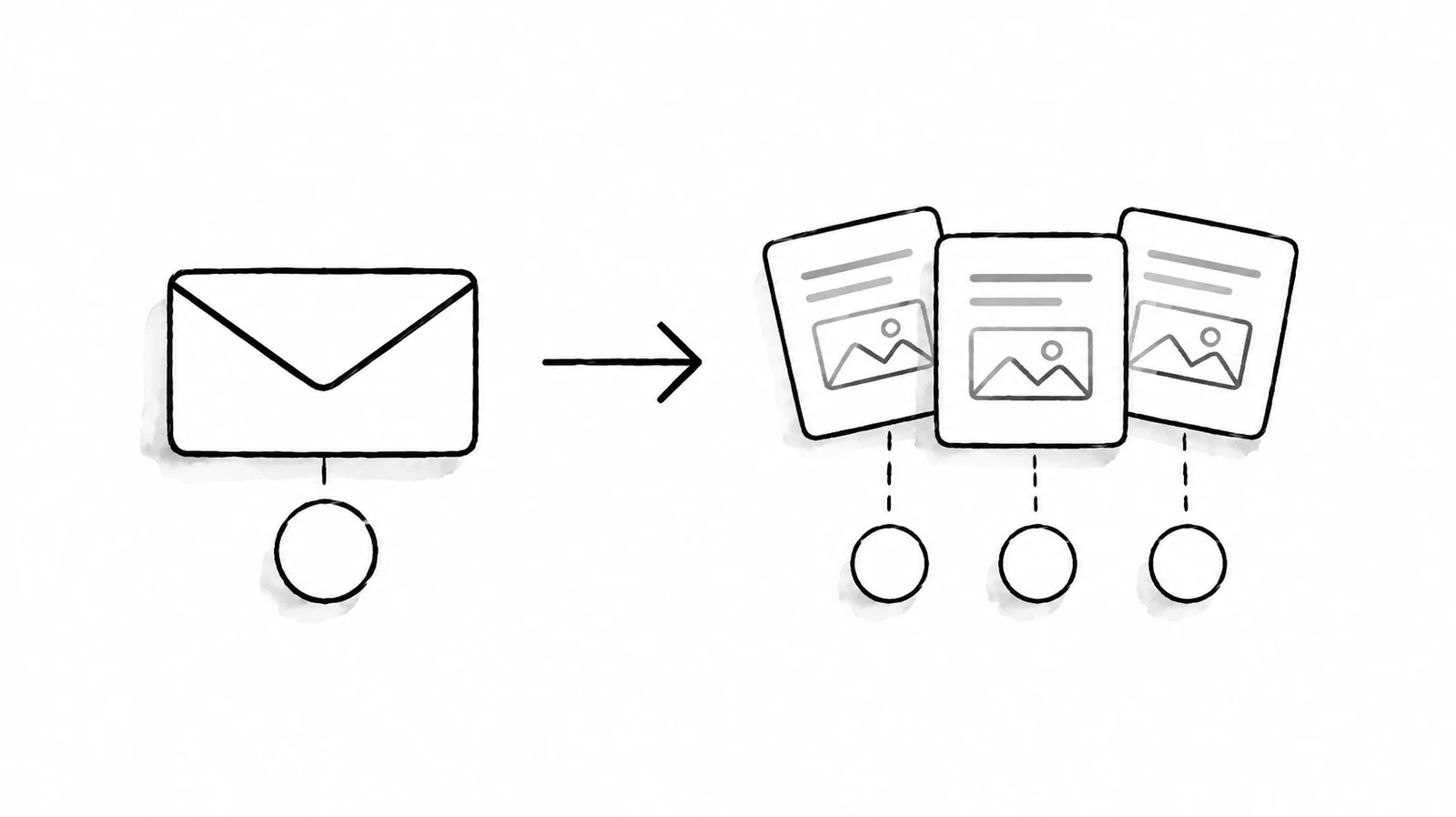
How xaic Data API requests are priced
The public xaic price catalog checked for this guide reports version 2026-10-21-v1. Prices below are USD. For implementation details, use the xaic Data API reference; the deployed live price catalog takes precedence if prices change.
| Operation | Billing unit | Price |
|---|---|---|
| Single tweet or basic user lookup | Successful request | $0.00040 |
| Search, timeline, replies, quotes or retweeters | Successful page | $0.00040 |
| Standard tweet batch | Unique tweet ID, maximum 20 per request | $0.00040 per ID |
| Extended user profile | Successful request | $0.00090 |
| Article lookup by its carrier tweet ID | Successful request | $0.005 |
A batch with ten different IDs costs $0.004, not $0.00040. A search page costs $0.00040 regardless of how many tweets that page returns, including a successful empty page. There is no fixed page-size promise in this contract. A failed operation is not charged, but an uncertain outcome can leave funds reserved while it is reconciled.
These are standard new-integration prices. Existing legacy batch integrations have a separate catalog entry; do not apply their unit to a new batch client. Also check capability fit before comparing costs: quote discovery is not a promise of every quote, and this API does not promise complete historical coverage or a streaming subscription.
Turn a workload into a dollar estimate
Start with a bounded job, not a promise to collect everything. Suppose you want to inspect 1,000 known tweet IDs, review 100 search pages and enrich 100 profiles. The calculation below is an illustrative budget, not a benchmark, a purchased package or a claim that those pages contain a specific number of results.
| Illustrative workload | Calculation | Estimated charge |
|---|---|---|
| 1,000 unique IDs through standard batches | 1,000 × $0.00040 | $0.40 |
| 100 successful search pages | 100 × $0.00040 | $0.04 |
| 100 extended profile requests | 100 × $0.00090 | $0.09 |
| Total | $0.40 + $0.04 + $0.09 | $0.53 |
The estimate excludes extra observations, additional pages and other operations. It is usage cost, not the minimum wallet top-up. Use decimal arithmetic for a cost ledger rather than binary floating-point values; Python's Decimal documentation explains why this matters for exact decimal calculations.[2]
from decimal import Decimal

estimate = (
    1000 * Decimal("0.00040")
    + 100 * Decimal("0.00040")
    + 100 * Decimal("0.00090")
)
print(estimate)
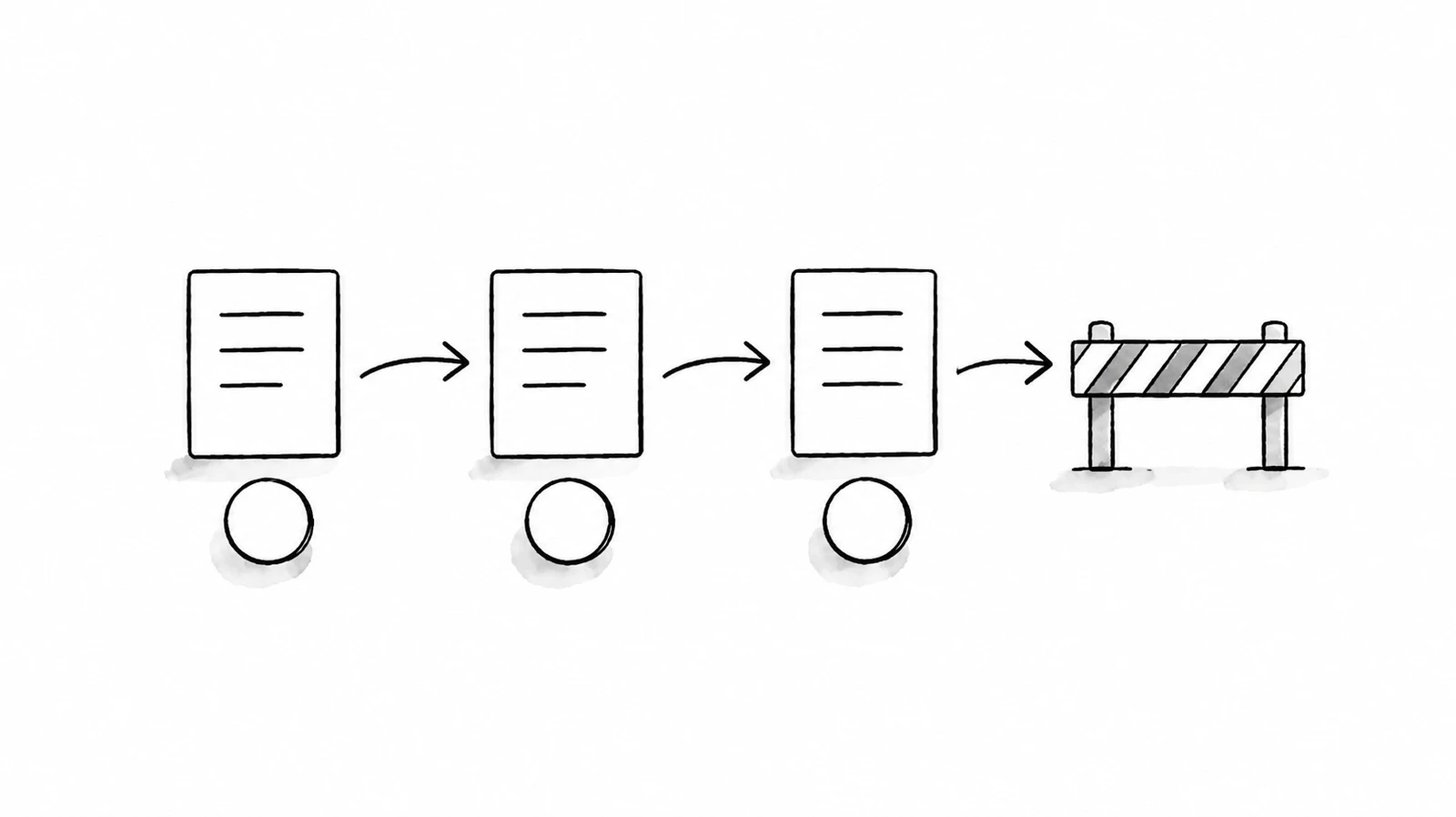
For a recurring process, record how many pages a normal run actually needs. Use that observed count to revise the next budget. A broad query can spend money on irrelevant results, so narrow your research question first. Our Twitter search operator guide helps with query planning, but website syntax is not a guarantee of API support.
Keep wallet funding and request safety separate
xaic data requests use an independent prepaid API USD balance. A creator subscription or product Credits purchase does not fund that balance. The console lists $10, $50 and $100 top-ups, with custom amounts from $10 to $10,000 when checkout is available. These amounts fund future usage; they are not monthly data packages. If top-ups are unavailable, do not pay through another product as a workaround.
Create a data-only key, set a budget suited to your test and keep the secret on your server. OWASP recommends least-privilege access, revocation and preventing secrets from appearing in logs.[3] New xaic keys default to $25 daily, $100 lifetime and 90 days, but review the actual settings in your console rather than assuming a key is unlimited.

- Save one
Idempotency-Keywith each logical paid operation before sending it. - After a timeout, retry the same path and parameters with that same key. A settled replay has no additional charge.
- A new page or a fresh observation needs a new key. Reusing a completed key returns the earlier observation.
- Stop on
REQUEST_PENDINGand reconcile. Do not generate another key to bypass uncertainty. - Review
/balanceand/usage, including reserved funds, before expanding a job.
If the next step is publishing, use the separate publishing API and authorization workflow. Reading a public post does not authorize publishing to its account. The safe Twitter automation guide covers that distinction and the need for review before sending content.
Twitter API pricing questions
Is xaic a free Twitter API?
No. Its public pricing and OpenAPI files are free to inspect, while the data operations listed above are paid. Reading existing stored monitor results does not create free continuous monitoring. Do not confuse documentation access with a data allowance.
Does an empty search cost money?
A successful empty search page costs $0.00040 at the checked price version. Inspect the response and stop when there is no next cursor; repeatedly requesting empty pages does not improve coverage.
Will the same tweet always be free on a second request?
No. xaic's no-additional-charge rule concerns a settled replay of the same operation with the same idempotency key. A new observation with a new key is a new paid operation. Do not import the official X API's resource-deduplication rules into a xaic client.
What should I verify before funding a larger job?
Check required fields, useful result coverage, page count, error handling and the billed amount. The examples here are contract-based calculations; this article does not claim a live paid benchmark. If you require guaranteed archive coverage or a specific SLA, confirm those requirements before committing to the service.

Start with a small, inspectable data job
Choose one operation, check its current unit price, and cap the first run. The useful comparison is what your application can do with the returned data at a known cost, not which homepage prints the smallest number. Continue with the Python first-request tutorial or the search and cursor guide.
Sources & Further Reading
- X: pay-per-usage pricingOfficial X billing, separate from xaic; checked November 3, 2026.
- Python: decimal arithmeticExact decimal representation for budget calculations.
- OWASP: Secrets ManagementSecret access, lifecycle and logging guidance.
Check your xaic API balance and create a data key
Use the separate API wallet, review the live price catalog and set your key's spending limit. Data requests are paid; product Credits are not used.
Yee is the founder of XAICreator, an AI-powered social media marketing platform. He specializes in building tools that help creators and marketers grow their presence on X (Twitter).
With expertise in AI, SEO, and content marketing, Yee has helped hundreds of users optimize their social media strategy and increase engagement through data-driven insights.