Learn how to make a fake tweet screenshot for a design mockup, add a fictional-content label, and complete a safe sharing review before export.
Introduction
To make a fake tweet screenshot safely, create a clearly fictional identity, write original copy, customize the visual layout, add an obvious disclosure, and review the final image as if someone saw it without any surrounding context. The screenshot should function as a mockup, not as fabricated evidence.
This tutorial covers the full workflow for presentations, product concepts, classrooms, and labeled entertainment. The xAIcreator fake tweet generator lets you edit profile details, post copy, media, time, and engagement fields in a browser preview, then download an image without signing up. Responsible use still depends on what you create and how you share it.
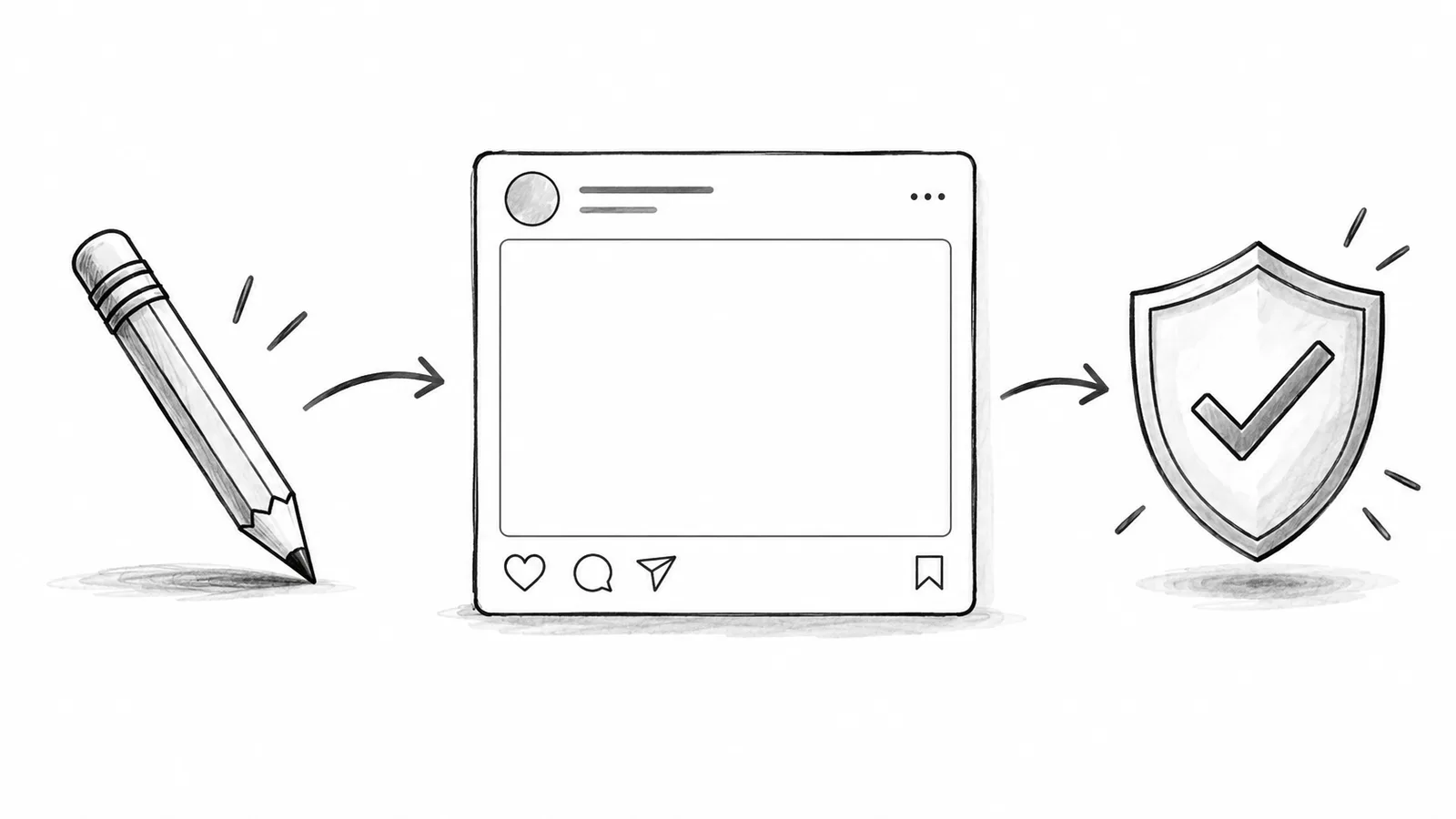
If a reasonable viewer could mistake the image for a real statement, endorsement, transaction, or event, do not share it until the identity, copy, and disclosure are changed.
Before You Make a Fake Tweet Screenshot
Write the purpose at the top of your brief: interface mockup, presentation concept, class exercise, private storyboard, or clearly labeled parody. That single line determines whether you need an invented account, what disclosure should say, and where the image may be distributed.
X's Authenticity policy prohibits deceptive impersonation and misleading media that can cause serious harm or widespread confusion. It also describes compliant parody, commentary, and fan accounts as transparent about their purpose and lack of affiliation.[1] Although a downloaded mockup is not automatically an X account, the same transparency principle is a practical baseline.
- Do not use a real person's name, handle, avatar, or verified status to attribute words they never wrote.
- Do not simulate emergency announcements, election instructions, financial news, health claims, or legal evidence.
- Do not invent customer praise, influencer endorsements, or performance results for advertising.
- Do use original fictional copy and a visible “fictional example,” “mockup,” “concept,” or “parody” label.
How to Make a Fake Tweet Screenshot in Five Steps
Complete the steps in order and keep the intended audience visible in your brief. This prevents visual polish from outrunning the disclosure and safety decisions that make the mockup responsible.
- Choose a fictional layoutOpen the generator and start with a blank post or a generic preset that fits the visual test.
- Create an invented identityUse an original name, handle, avatar, and profile details that cannot be confused with a real account.
- Write original post copyKeep the message focused on the mockup scenario and avoid fabricated factual claims.
- Set visual detailsAdjust theme, time, media, and engagement fields only when they help the design review.
- Add disclosure and exportPlace the label on or directly beside the image, preview the complete composition, then download it.
The editing fields can make a mockup feel realistic, but realism is not the final goal. A useful prototype needs enough fidelity for the review and enough visible context to prevent a false interpretation. If engagement counts are irrelevant, leave them neutral instead of choosing sensational numbers.

How to Create a Fictional Identity That Cannot Be Confused
Start with a made-up organization or persona. Avoid slight misspellings of a real handle because viewers often skim usernames. Use an original avatar, a neutral profile description, and a name that signals a scenario, such as “Northstar Demo Team” or “Museum Workshop Example.” Check the name with a quick search before using it publicly.
X's trademark policy says that referencing a trademark is not automatically a violation, but using it in a way that may mislead people about affiliation may violate the policy.[2] For a public mockup, do not combine another company's name, logo, and visual identity in a way that suggests approval or partnership.
Real post sharing has a separate path. X's brand toolkit says to use real posts without altering them and recommends embeds for published content.[3] If you are documenting something a real account actually posted, embed or capture the authentic source with its link. Use the generator only for content that is openly fictional.
How to Write Copy and Engagement Fields Responsibly
Write the post from scratch. A short product announcement, support question, or classroom scenario usually needs one claim and one response. Keep dates generic when the timing is not being tested. Avoid mimicking a distinctive real person's phrasing because identity is communicated through voice as well as the avatar and handle.
Engagement values can distort how viewers judge the message. Use small neutral values for a layout test, or explain that the numbers are placeholders. Never use invented likes and reposts to suggest popularity, investment demand, political support, or customer approval. For more benign scenarios, the examples in our fake tweet ideas guide separate UX tests, presentations, classes, and comedy by intent.
Where to Put the Fictional-Content Label
The disclosure should survive the image's most likely journey. A caption under a slide can disappear when someone crops the post. Metadata disappears when an image is copied. Put a short, plain label inside the image or directly adjacent to it, then repeat the context in the presentation notes or page copy.
- Inside the image: use a visible banner or corner label that does not cover essential content.
- Beside the image: identify it as a fictional mockup in the slide title or surrounding paragraph.
- In the file name: include “fictional-mockup” as a helpful secondary signal, not the only disclosure.
- In team storage: keep the brief and approval notes next to the exported image.
When a mockup depicts a paid relationship or endorsement scenario, the FTC advises that material connections be disclosed clearly and conspicuously, using language people can understand and positioning that is difficult to miss.[4] A fictional label does not replace an advertising disclosure, and an advertising disclosure does not explain that the screenshot itself is fictional. Use both when both facts matter.

How to Export and Review the Screenshot
Before downloading, inspect the full preview at desktop and phone sizes. Confirm that the avatar is original, the handle is invented, the post contains no accidental personal data, and the disclosure remains legible. If the tool imports information from an existing post, replace any real identity and content that your mockup does not need.
- Read every fieldCheck the name, handle, date, copy, media, engagement values, and quoted content.
- Inspect the disclosureMake sure it remains obvious at the exported size and cannot be removed by an ordinary crop.
- Check private informationRemove phone numbers, addresses, private messages, account IDs, and faces you do not have permission to use.
- Test without contextShow the image alone to a reviewer and ask what they believe is real.
- Export and store safelyDownload the image, use a descriptive fictional-mockup filename, and keep it with the approved brief.
X's private information policy explains that sharing private information without permission can create safety and security risks.[5] That concern still applies when a screenshot is a mockup. Do not add realistic-looking phone numbers, addresses, private emails, or identifying details merely to make the image feel complete.
What Not to Do with a Fake Tweet Screenshot
Do not use the screenshot to win an argument, damage a reputation, invent a testimonial, manipulate a market, or impersonate a public authority. Do not remove the disclosure to make the image more shareable. Do not assume that “parody” in a distant caption fixes an image designed to fool viewers at first glance.
If you want to publish an original real post after the review, rewrite it in your own brand voice and send it through a normal approval and scheduling process. Our social media style guide helps teams document voice, review rules, and consistent publishing standards.
Frequently Asked Questions
Is it legal to make a fake tweet screenshot?
The answer depends on how the image is made and used, including local laws and issues such as impersonation, defamation, privacy, trademark, copyright, and advertising. This guide is practical safety information, not legal advice.
Can I make a mock tweet without posting it?
Yes. A browser-based generator can create a visual mockup and download it as an image without publishing the content to X. Label the exported image clearly if it will leave a private design review.
Is a caption enough to disclose a fictional post?
A caption may be separated from the image. Put a visible fictional or mockup label inside or immediately beside the screenshot, then repeat the context in the caption when appropriate.
Should I use real engagement numbers?
Only reproduce real metrics when documenting an authentic post with a verifiable source. For a fictional mockup, use neutral placeholders and state that they are illustrative.
Conclusion
Making a fake tweet screenshot safely requires more than adjusting a visual template. Define the permitted use, invent the identity, write original copy, limit unnecessary realism, label the image clearly, and run a context-free review before export. If the screenshot could be mistaken for proof, revise it before anyone shares it.
Build and review your fictional post
Customize the visual details in your browser, add an unmistakable disclosure, and export only after the safety review passes.
Sources & Further Reading
- X Help: Authenticity PolicyOfficial rules covering deceptive impersonation, transparent parody, and misleading media.
- X Help: Trademark PolicyOfficial explanation of confusing affiliation and permitted trademark references.
- X Brand ToolkitOfficial guidance for using authentic posts, post templates, and embeds.
- FTC: Disclosures 101 for Social Media InfluencersU.S. guidance for clear and conspicuous disclosure of material connections.
- X Help: Private Information PolicyOfficial guidance on the safety risks of sharing another person's private information.
Yee is the founder of XAICreator, an AI-powered social media marketing platform. He specializes in building tools that help creators and marketers grow their presence on X (Twitter).
With expertise in AI, SEO, and content marketing, Yee has helped hundreds of users optimize their social media strategy and increase engagement through data-driven insights.