Explore fake tweet ideas for design mockups, presentations, and classroom exercises, with a practical safety checklist for every fictional post.
Introduction
The best fake tweet ideas solve a communication problem without pretending that a fictional post is real. A product team may need realistic content for an interface review. A teacher may want students to critique a public statement. A presenter may need a compact way to show a customer reaction. In each case, the post is a visual prop, not evidence.
This guide gives you practical concepts for mockups, presentations, classes, and creative work. Every example starts with invented names and copy, avoids real claims, and includes a disclosure plan. When you are ready to turn an idea into an image, use the free fake tweet generator and keep the exported file clearly fictional.
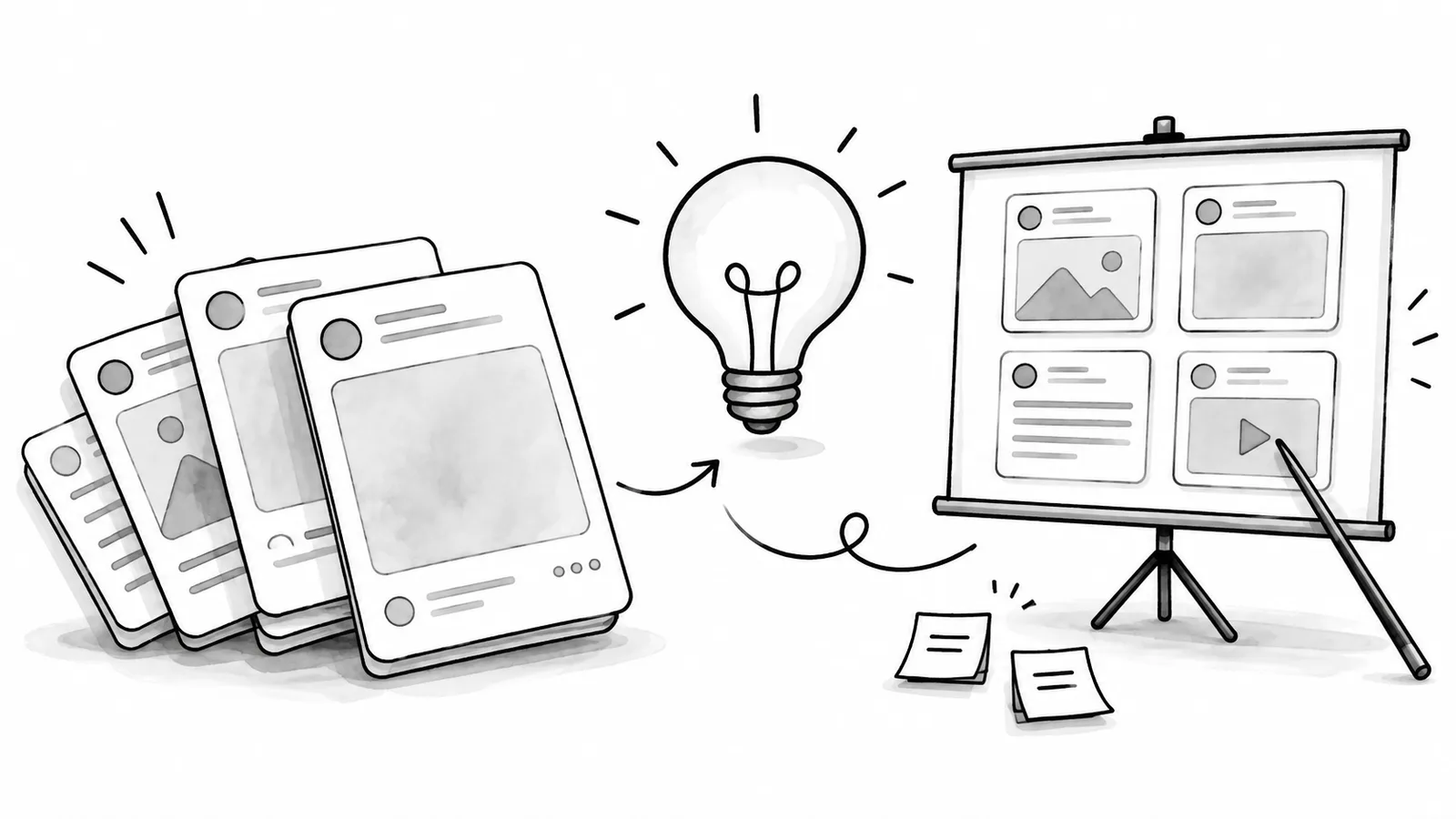
Use an invented person, invented handle, original avatar, and visible “fictional example” label. Do not copy a real person's identity or imply that a real post exists.
What Makes a Good Fake Tweet Idea?
A useful mock post has one clear job. It may test layout, demonstrate tone, invite discussion, or show a possible campaign response. The words should be short enough to read inside a slide, but specific enough that reviewers can react to the idea rather than a box of filler text.
Safety is part of the creative brief. X's Authenticity policy permits manipulated or out-of-context media when it is shared in non-deceptive ways, while prohibiting deceptive use that can cause serious harm or widespread confusion.[1] A simple disclosure and a fictional identity help viewers understand the image before they interpret it as a real post.
- One purpose: decide whether the image tests design, explains a concept, or entertains.
- One voice: write a believable but invented speaker with a consistent tone.
- One disclosure: make “fictional,” “mockup,” or “concept” visible in the image or immediately beside it.
- No fabricated proof: never use a generated post as evidence of a quote, endorsement, event, or transaction.
Fake Tweet Ideas for Product and UX Mockups
Product mockups need content that exposes design problems. Use posts with different lengths, media states, and reply contexts so the team can inspect wrapping, contrast, hierarchy, and spacing. The goal is not to mimic a celebrity. It is to make the interface behave like a real content surface.
- Feature announcementAn invented product account introduces one fictional feature and one user benefit.
- Customer questionAn invented user asks about availability, onboarding, accessibility, or compatibility.
- Support responseA fictional brand replies with a calm next step and a generic help link placeholder.
- Launch-day reactionAn invented early adopter shares one specific observation without making a fake endorsement.
- Long-copy stress testA fictional post uses several sentences to test wrapping and vertical rhythm.
Keep every account name visibly invented. If the mockup needs an established brand's real post, X's brand toolkit says to use real posts without altering them, and recommends embeds for publishing.[2] That is a different workflow from generating a fictional concept.

Fake Tweet Ideas for Presentations and Creative Briefs
A presentation mockup works best when it compresses a scenario into one recognizable moment. Instead of saying “customers might like this,” show an invented customer explaining why a feature helped. Instead of claiming a campaign already succeeded, show a clearly labeled concept that illustrates the reaction you hope to earn.
- Future headline reaction: demonstrate how an audience might respond to a proposed announcement.
- Before-and-after voice: place two fictional posts side by side to compare a vague draft with a clearer one.
- Persona snapshot: let an invented customer describe a pain point in one sentence.
- Campaign tone test: compare playful, direct, and educational versions of the same original message.
- Executive review prompt: show a fictional criticism so leaders can discuss the response before launch.
Never put an invented endorsement next to a real person's name or photo. For sponsored concepts, the FTC says material relationships should be disclosed clearly and conspicuously, and that a disclosure should be difficult to miss.[3] Even when the slide is only a concept, label the relationship and the fictional status so it cannot be detached and misread later.
Fake Tweet Ideas for Classes and Workshops
Fictional posts are useful teaching objects because students can analyze them without piling onto a real person. A facilitator can prepare several versions, ask the group to identify missing context, then rewrite each example to be clearer, more accurate, or more respectful.
- Source-checking exercise: give students a fictional claim and ask what evidence they would need before sharing it.
- Tone rewrite: compare defensive, empathetic, and neutral responses to the same invented complaint.
- Context collapse: show how one sentence changes meaning when the date, audience, or prior reply is removed.
- Accessibility edit: ask students to improve plain language and write useful alt text for a media post.
- Crisis drill: use a fictional brand and event to practice approvals without suggesting a real incident occurred.

If a class uses copyrighted source material, remember that fair use is fact-specific. The U.S. Copyright Office lists criticism, comment, teaching, scholarship, and research as examples that may qualify, but stresses that courts balance four factors and there is no automatic safe percentage.[4] Use original fictional copy when possible and seek advice for higher-risk uses.
Fake Tweet Ideas for Clearly Labeled Comedy
Comedy is safer when the joke is obvious before someone needs to investigate. Use absurd products, impossible dates, invented organizations, or deliberately exaggerated situations. The audience should understand the premise without relying on a tiny disclaimer or the surrounding caption.
Avoid public emergencies, elections, financial announcements, health claims, and quotations that could damage a real person's reputation. Also avoid cloning a real avatar and handle. If the humor only works because a viewer believes the post is authentic, the concept needs another pass.
How to Turn an Idea into a Responsible Mock Post
Treat the image like a small publishing project. A short written brief, a fictional identity, and a final context check make the result more useful to reviewers and less likely to be misunderstood later.
- Define the useWrite down whether the image is for a private review, a class, a public presentation, or entertainment.
- Invent the identityCreate an original name, handle, avatar, and biography that cannot be confused with a real account.
- Write original copyUse a concise post that supports the scenario without fabricating a real quote or result.
- Add disclosurePlace a visible fictional, mockup, concept, or parody label on or directly beside the image.
- Review the exportAsk whether a cropped or reposted version could mislead someone who never sees the original context.
You can improve the final copy with the frameworks in our tweet writing guide, but keep the goal realistic: clarity is more valuable than fake engagement numbers. For team reviews, add the labeling rule to your social media style guide so every designer follows the same standard.

Frequently Asked Questions
What should a fake tweet be used for?
Use it for design mockups, presentations, classroom exercises, private planning, or clearly labeled entertainment. It should never serve as evidence that a real person said or endorsed something.
Should I use a real person's name or photo?
Inventing the identity is safer and usually better for design work. A real identity raises impersonation, privacy, trademark, and reputational risks, especially if the image leaves its original context.
Where should I put the fictional label?
Put it inside the image or immediately beside it in a position that remains obvious when the image is cropped or reposted. Do not hide it in metadata or a distant footnote.
Conclusion
Good fake tweet ideas help people review a design, understand a scenario, or practice a response. Start with an invented identity, keep the copy original, add an unmistakable disclosure, and test whether the image could be misunderstood outside its original slide or document.
Turn your idea into a review-ready image
Customize a fictional post for your presentation, class, or design review, then add a visible disclosure before sharing it.
Sources & Further Reading
- X Help: Authenticity PolicyOfficial rules for inauthentic identities, manipulated media, and non-deceptive contexts.
- X Brand ToolkitOfficial guidance for using real posts, post templates, embeds, and X brand assets.
- FTC: Disclosures 101 for Social Media InfluencersU.S. guidance on clear and conspicuous disclosure of material relationships.
- U.S. Copyright Office: Fair Use IndexOfficial explanation of fair use factors and its case-by-case application.
Yee is the founder of XAICreator, an AI-powered social media marketing platform. He specializes in building tools that help creators and marketers grow their presence on X (Twitter).
With expertise in AI, SEO, and content marketing, Yee has helped hundreds of users optimize their social media strategy and increase engagement through data-driven insights.