Build a practical social media style guide with clear brand voice, flexible tone rules, reusable writing examples, and tested AI style guidance for every channel.
Introduction
A social media style guide turns a vague request to “sound like us” into decisions a writer, reviewer, or AI assistant can apply. It explains what stays consistent, what changes by situation, which language belongs to the brand, and what an acceptable post looks like on each channel.
This guide shows how to create a social media style guide in seven steps. You will define voice and tone, document audience and channel rules, set writing and visual conventions, add positive and negative examples, convert the guide into AI instructions, test real drafts, and give the document an owner.
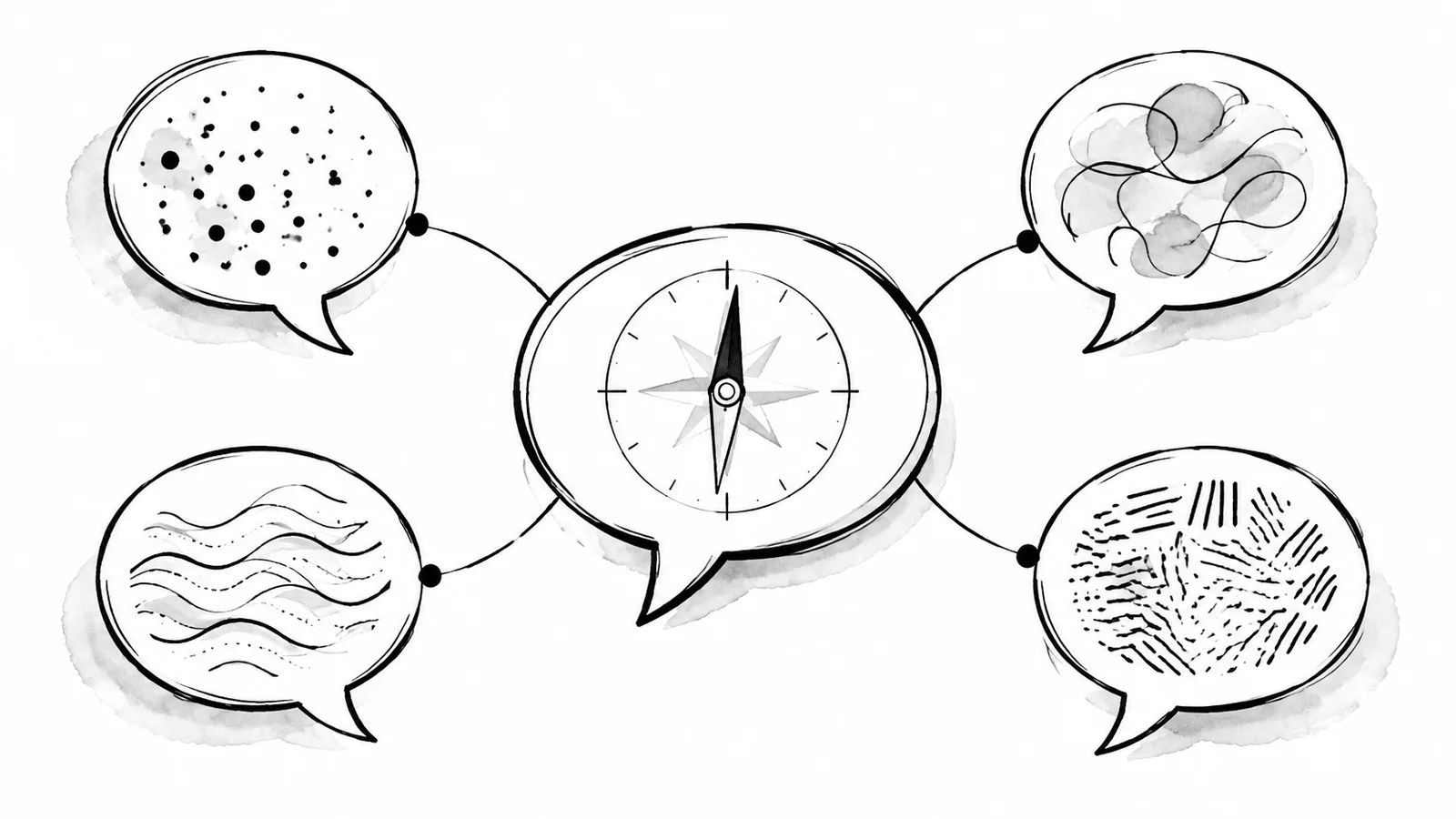
Define three to five voice traits, show how tone changes by context, document platform and writing rules, provide on-brand and off-brand examples, translate the rules into a clear AI prompt, test a small set of posts, and revise the guide through a named owner.
1. Social Media Style Guide: Define Voice and Tone
Voice is the recognizable personality and point of view that should remain fairly stable. Tone is how that voice responds to a particular audience, channel, or moment. Microsoft's writing guidance describes voice as a combination of personality, substance, tone, and style, while noting that voice remains consistent and tone adapts to context.[1]
Choose three to five specific voice traits. “Friendly” is hard to apply by itself. “Direct, informed, calm, and lightly playful” gives a writer more useful boundaries. For each trait, add a behavioral definition:
- Direct: Lead with the answer and remove ceremonial introductions.
- Informed: Name the evidence and its limits instead of sounding certain by default.
- Calm: Explain a problem without alarm, blame, or exaggerated urgency.
- Lightly playful: Use occasional wit, but never when a user is reporting loss, failure, or risk.
Then create a tone matrix for common moments. A launch can be confident and energetic. A service interruption should be factual, empathetic, and restrained. A tutorial should be patient and concrete. A reply to criticism should acknowledge the specific concern before explaining the next step.
2. Name the Audience, Purpose, and Channel
A style guide cannot make every post identical because readers arrive with different knowledge and intent. PlainLanguage.gov recommends identifying the audience and organizing information around what readers need to know and do.[2] Write a short audience card for each account or Social Set: who it serves, what they already know, what problem brings them there, and which action the account should support.
Keep strategy and style separate. Content pillars define what the account discusses. The style guide defines how those topics are expressed. If positioning is still unclear, the personal brand guide can help define the upstream promise before you write channel rules.
Document platform differences as operational choices rather than stereotypes:
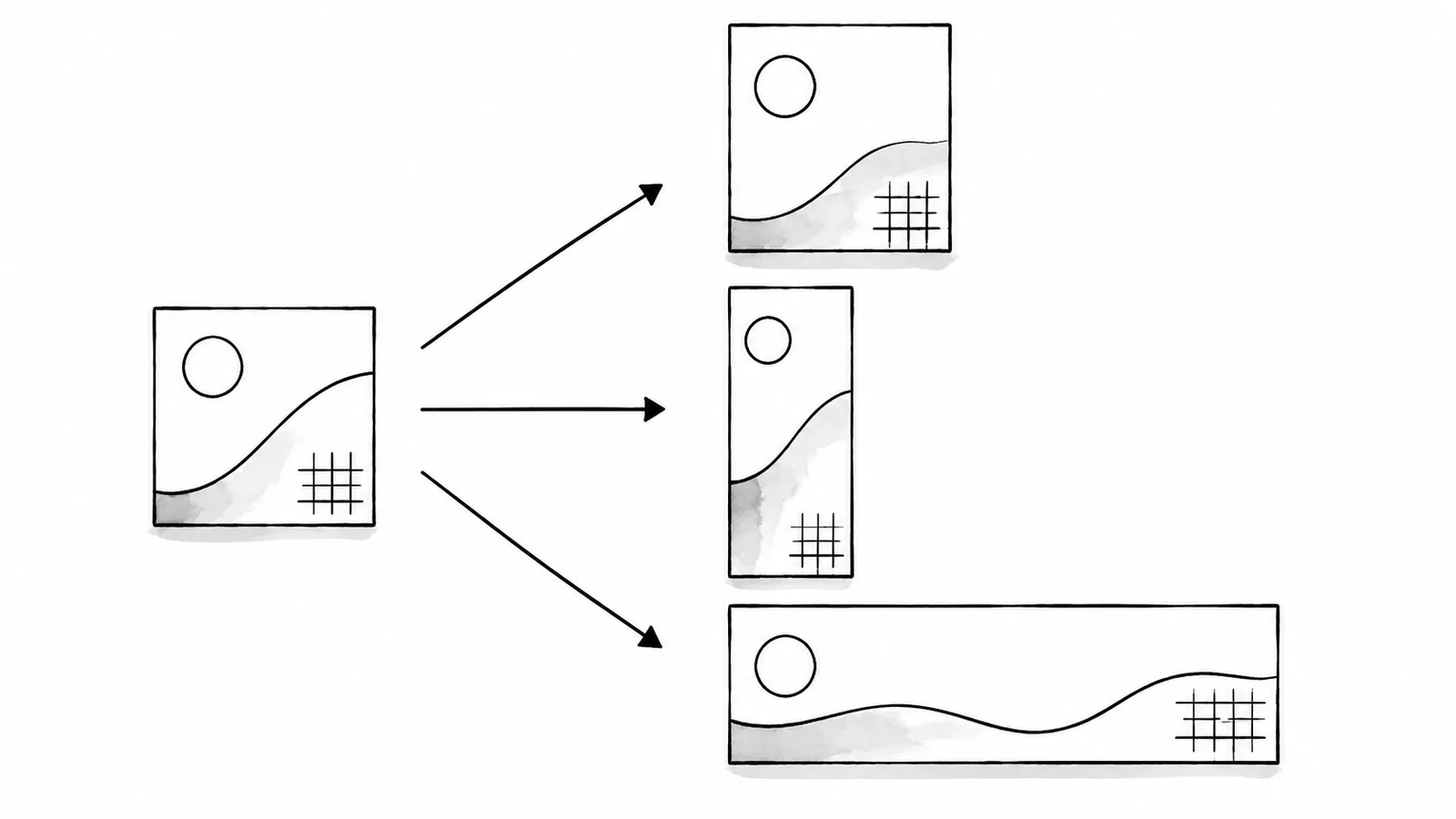
- Opening: Decide whether the channel needs a standalone first line, a descriptive title, or immediate context.
- Depth: Set a normal range, then allow exceptions when the idea requires more explanation.
- Structure: Specify paragraph length, list use, thread behavior, and whether links belong in the body or a reply.
- Media: Record preferred aspect ratios, caption placement, image-description ownership, and source-credit rules.
- Response: Define when to ask a question, direct readers to documentation, invite a demo, or make no call to action.
For X, document how the voice carries across a connected sequence instead of treating every post as an isolated unit. The Twitter thread writing guide shows how to structure and review that sequence, while the Twitter management tools guide turns the same rules into practical selection criteria for a publishing workflow.
3. Write the Language and Visual Rules
Useful rules are observable. “Write clearly” is not enough. Google's tone guidance recommends conversational, friendly, respectful language while warning against jargon, culture-specific references, and assumptions about readers.[3] Convert those principles into choices that reviewers can point to.
Preferred product terms, banned jargon, capitalization, contractions, inclusive language, and translation notes.
Typical length, active voice, first or second person, punctuation, emoji, hashtags, and calls to action.
Color, type, illustration, photography, charts, text overlays, alt text, captions, credits, and forbidden treatments.
Add an exceptions column. Product names may keep special capitalization. Legal copy may require exact wording. A crisis update may need a timestamp and a more formal tone. Exceptions should be narrow and explain why the normal rule does not apply.
Make accessibility part of the style, not a separate polish step. W3C writing tips recommend informative headings, meaningful link text, useful image alternatives, captions, and clear language.[4] Specify CamelCase for multiword hashtags, restrained emoji, sufficient color contrast, and a human review of captions and image descriptions.
4. Add Examples That Show the Boundary
Examples reveal more than adjectives. For every important rule, include an on-brand version, an off-brand version, and a short explanation. The negative example should show a realistic mistake, not a ridiculous sentence nobody would publish.
- Choose recurring post typesUse launches, tutorials, customer stories, corrections, event posts, and support replies.
- Write the on-brand versionApply the intended voice, context, evidence, structure, and call to action.
- Write a plausible missShow overclaiming, excessive slang, jargon, weak context, or an inappropriate tone.
- Explain the differenceName the exact rule and the audience effect rather than saying one version “sounds better.”
- Add edge casesInclude moments when the normal playful, promotional, or concise style should change.
Microsoft's style tips recommend putting important information first, using fewer and stronger words, and revising weak phrasing.[5] Use those tests on examples. If the preferred version is longer only because it contains more brand adjectives, it probably has not become clearer.
5. Turn the Guide into AI Style Guidance
An AI prompt should be a compact operating specification, not a pasted brand handbook. Start with audience and purpose, list the voice traits with behavioral definitions, add high-value language rules, explain how tone changes, and include a few representative examples. Finish with a review instruction that asks the system to preserve facts and flag missing context.
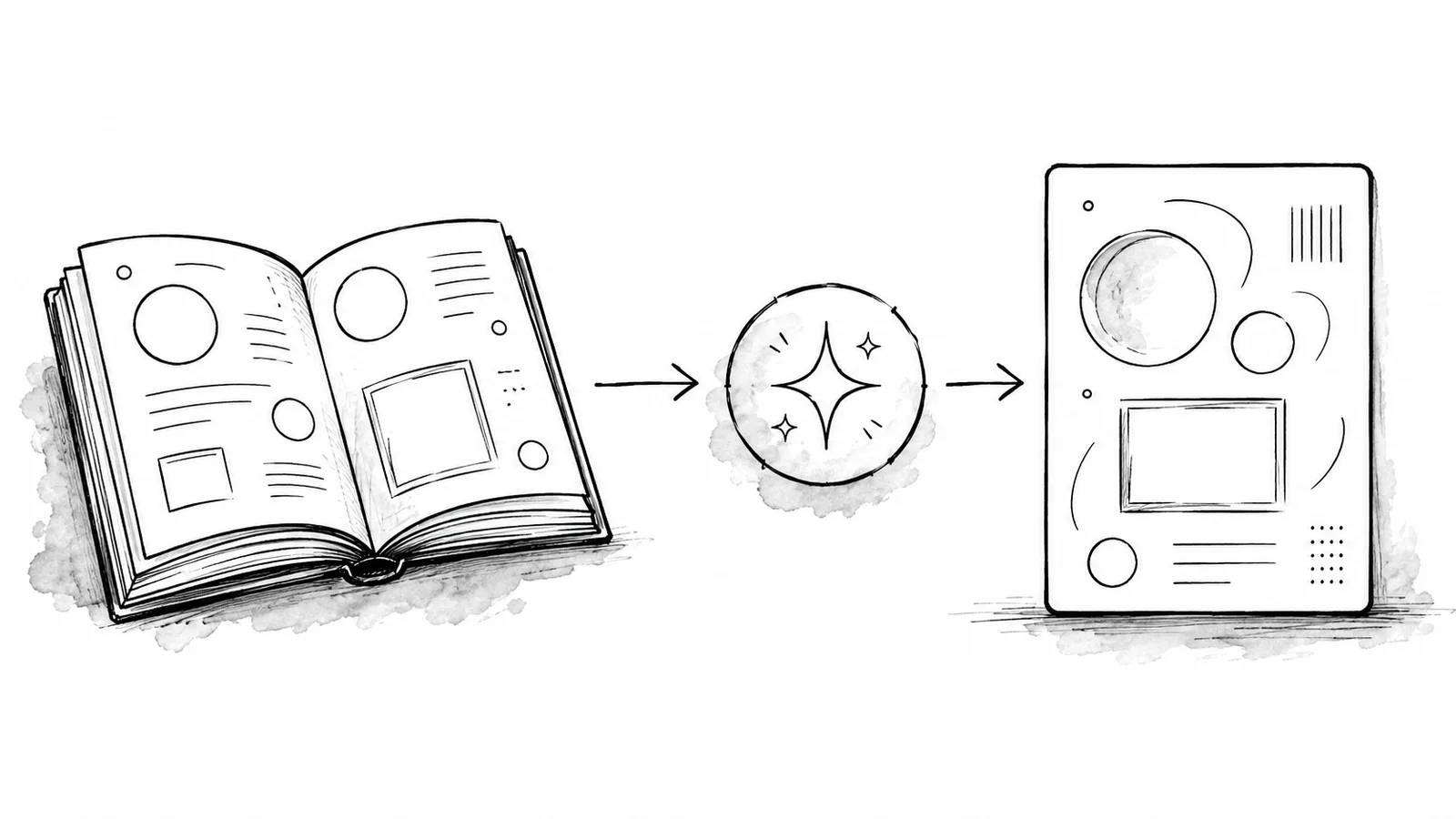
A practical prompt can use this structure:
- Role and audience: who is speaking, to whom, and for what purpose.
- Voice: three to five traits with observable definitions.
- Tone conditions: how the wording changes for launches, support, teaching, and corrections.
- Rules: terminology, claims, sentence structure, emoji, hashtags, links, and accessibility.
- Examples: short on-brand samples, plus carefully labeled anti-examples when useful.
- Guardrail: never invent facts, results, customer stories, or product capabilities.
xAIcreator lets users create and edit a Saved Style with a name, prompt, and examples, then select that style for AI-assisted content generation. The selected prompt and examples guide the output. This is not model training, automatic compliance, or a guarantee that every result matches the brand. A person still needs to compare the draft with the source and the full style guide.
The AI content creation guide explains a broader source-review workflow. If the account needs a clearer X-specific growth strategy before defining style, use the Twitter follower growth guide for audience and content-theme inputs.
6. Test the Guide on Real Drafts
Test before rolling the guide across a full calendar. Choose eight to twelve representative tasks: an announcement, educational post, short reply, correction, product explanation, customer proof point, thread opening, and post with a link. Include at least two difficult situations where tone must change.
Ask two reviewers to score each draft against the same questions:
- Does the opening serve the audience and channel?
- Can each factual claim be verified from the supplied source?
- Are the voice traits visible without becoming exaggerated?
- Is the tone appropriate for the situation?
- Does the copy follow terminology, formatting, accessibility, and disclosure rules?
- Would a new team member understand why edits were requested?
When reviewers disagree, the guide is missing a boundary or example. Fix the document rather than telling people to use better judgment. Test both human-written and AI-assisted drafts so the rules work across the actual workflow.
7. Assign Ownership and Version Control
A style guide becomes stale when no one owns decisions. Name one editor and a small group of consulted partners, such as product, support, localization, accessibility, and legal. Record the version, change date, decision, and reason. Link product terminology to a maintained source instead of duplicating a list that will drift.
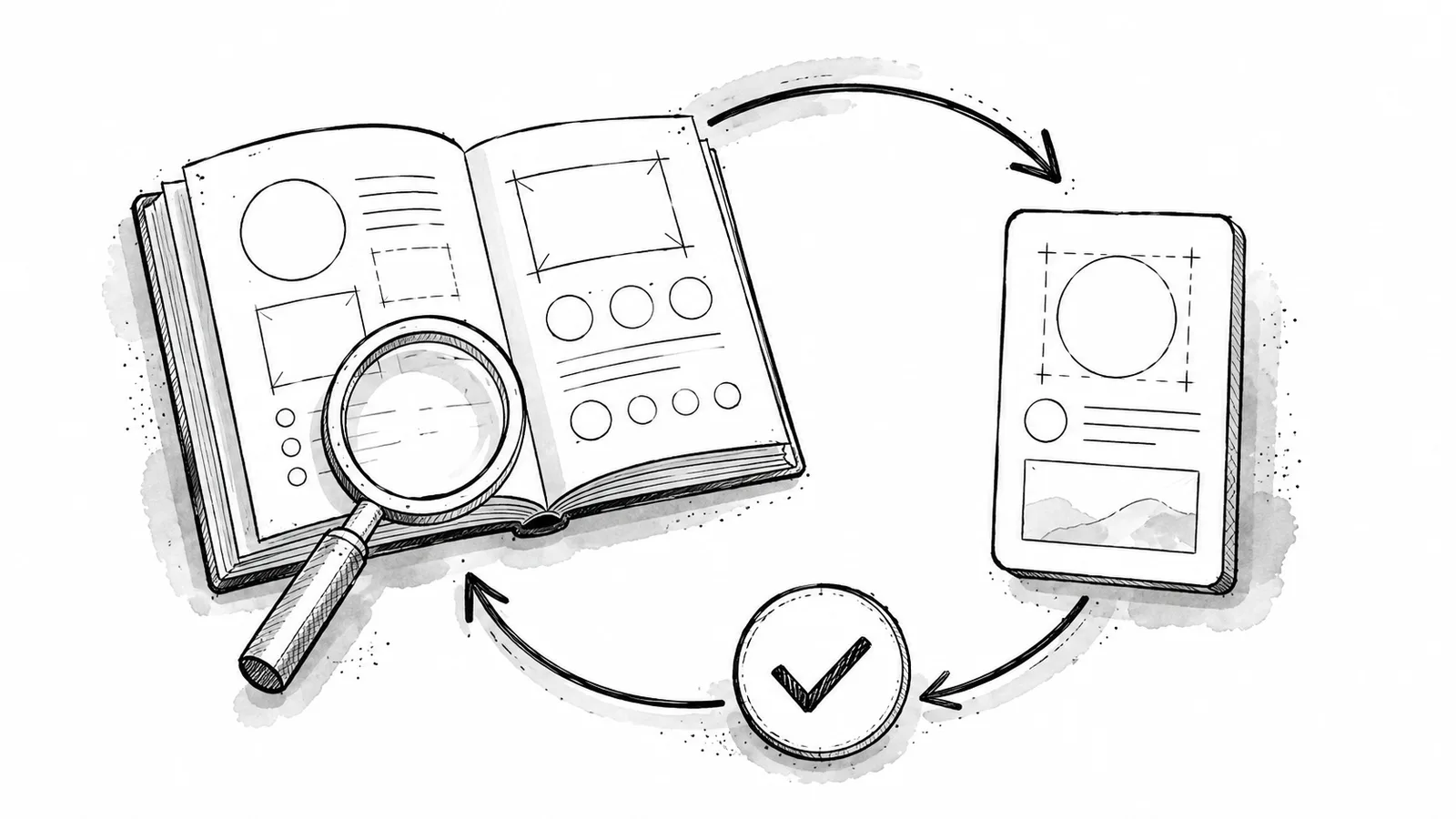
Review the guide quarterly and after a rebrand, product naming change, platform-format change, accessibility finding, regulatory update, or repeated editorial dispute. Do not rewrite the whole document for every campaign. Add focused examples and retire rules that no longer guide a real decision.
In xAIcreator, keep the Saved Style aligned with the approved guide whenever the prompt or examples change. Test the updated style on a small draft set before using it for scheduled work. Public draft links can collect comments on platform-specific versions, while the Visual Calendar helps the team inspect the final sequence before publishing.
Common Style Guide Mistakes
- Only listing adjectives: traits have no behavioral definition or examples.
- Confusing voice with tone: every situation receives the same emotional intensity.
- Copying one format everywhere: channel rules describe stereotypes instead of real constraints.
- Using only positive examples: writers cannot see where the acceptable boundary ends.
- Calling prompt use “training”: it creates a false expectation about permanence and reliability.
- Skipping human review: generated copy can still invent facts or misread the situation.
- No owner or version: teams keep applying conflicting copies of the guide.
Frequently Asked Questions
What should a social media style guide include?
Include audience and purpose, voice traits, tone conditions, channel rules, terminology, grammar and punctuation, emoji and hashtag rules, visual and accessibility requirements, positive and negative examples, AI guidance, ownership, and version history.
What is the difference between brand voice and tone?
Voice is the stable personality and point of view. Tone adapts that voice to the reader, platform, and situation, such as a launch, tutorial, support reply, or incident update.
Can a style guide be used as an AI prompt?
Convert the most actionable rules and examples into a concise prompt. Keep the full guide as the human source of truth, test outputs, and never assume a prompt guarantees accuracy or compliance.
How often should a social media style guide be updated?
Review it at least quarterly and after brand, product, platform, accessibility, legal, or recurring editorial changes. Record every material revision and test updated AI guidance before broad use.
Conclusion
A useful social media style guide makes judgment visible. Define a stable voice and flexible tone, document audience and channel choices, write observable rules, show both sides of the boundary, turn the strongest guidance into a tested AI style prompt, and keep a human editor responsible for revisions. That gives every contributor a shared standard without pretending every post should sound identical.
Sources & Further Reading
- Microsoft Writing Style Guide: Brand VoiceFramework distinguishing a consistent voice from tone that adapts to context.
- PlainLanguage.gov: Federal Plain Language GuidelinesAudience-focused guidance for organizing and testing clear content.
- Google for Developers: ToneGuidance for conversational, respectful, direct writing for a global audience.
- W3C WAI: Writing for Web AccessibilityTips for headings, links, image alternatives, captions, instructions, and clear language.
- Microsoft Writing Style Guide: Top 10 TipsPractical guidance on important information, concise wording, human language, and revision.
Turn approved rules and examples into reusable guidance
Create a Saved Style in xAIcreator, apply it to AI-assisted drafts, and keep a human reviewer responsible for facts and final tone.
Yee is the founder of XAICreator, an AI-powered social media marketing platform. He specializes in building tools that help creators and marketers grow their presence on X (Twitter).
With expertise in AI, SEO, and content marketing, Yee has helped hundreds of users optimize their social media strategy and increase engagement through data-driven insights.